Maths Scripts for Block Models
You can modify block models by performing mathematical operations on them using Evolution's maths script tool. For information on maths functions available in Evolution, see Mathematical functions.
To apply a maths script on a block model:
-
Right-click the model in the project explorer and select
 Add Maths Script.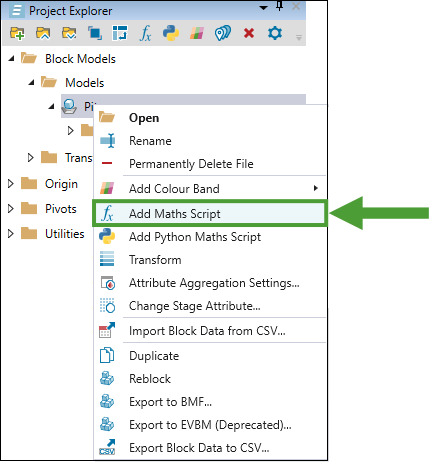
- Evolution will create a script object in the project explorer under the block model. Double-click this object to open the script window in the viewer.
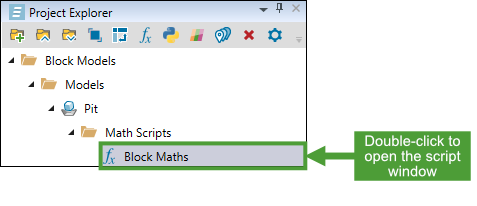
-
Write the required script.
-
View the existing properties of the model by typing block followed by a full stop.
-
Modify the existing properties of the model by typing in the attribute name on the left, followed by an expression on the right.
existingAttribute = block.X + block.Y
-
Create temporary attributes (that will not be written to the model and will only be used within the script) by wrapping the expression on the right-hand side inside a define function.
tempAttribute = define(block.X + block.Y)
-
- Click
 Run Script.
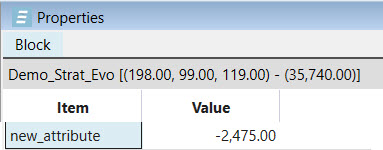
 - Check that the new attribute has been calculated correctly by opening the block model in the viewer and checking its properties.