

Adding Toe Blocks
Evolution allows you to mark individual blocks as toe blocks to specify the initial starting point per bench for each stage. Toe blocks are generally located at the base of the ramp for each bench.
Note: If no block has been specified as a Toe on a given bench, Evolution will automatically select the first block to be mined on the bench.
Follow these steps to mark a block as a toe block:
-
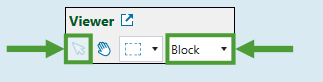
Open the
 Viewer tab and click
  in the toolbar to enter the interactive selection mode.
Note: Make sure you select Block from the drop-down in the toolbar.
-
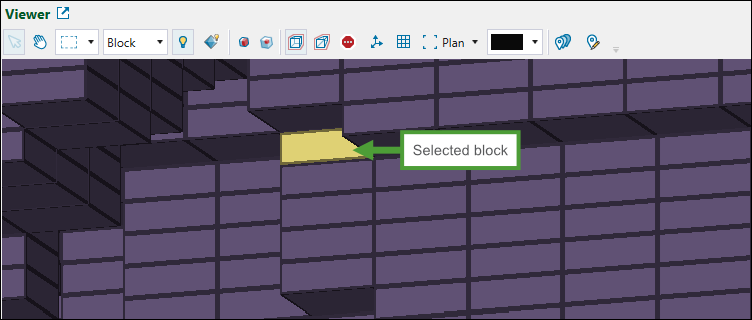
Select the required block in your model.
-
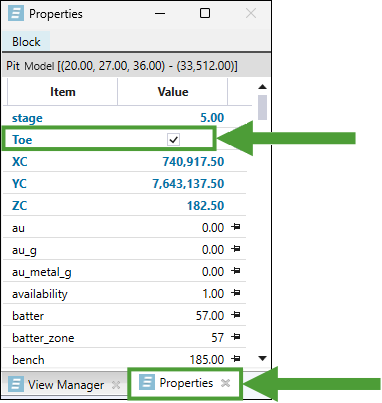
Open the Properties tab and click the Toe checkbox to set the selected block as toe.
Important: Click
 Save to save the changes you have made in your model.
See also: View Manager and Properties in Origin Blocks, Using the Block Model Viewer
