

Summary
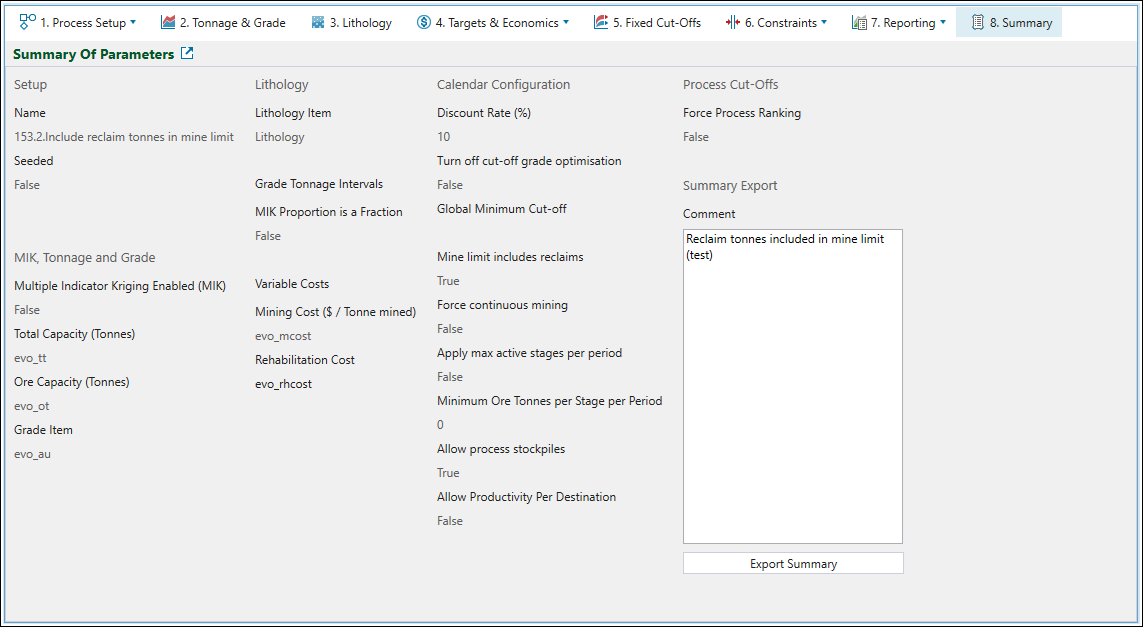
The  Summary tab contains the summarised information on the settings you have applied in each tab of your setup.
-
You can supply additional information on your setup by entering it in the Comment field.
-
You can save a text file (
.txt) with the setup summary by clicking on the Export Summary button and selecting the path under which you wish to save the file in the file explorer. The default file name will follow the name of your setup, but you can change it by entering the required name in the File name field. Click Save to confirm your selection.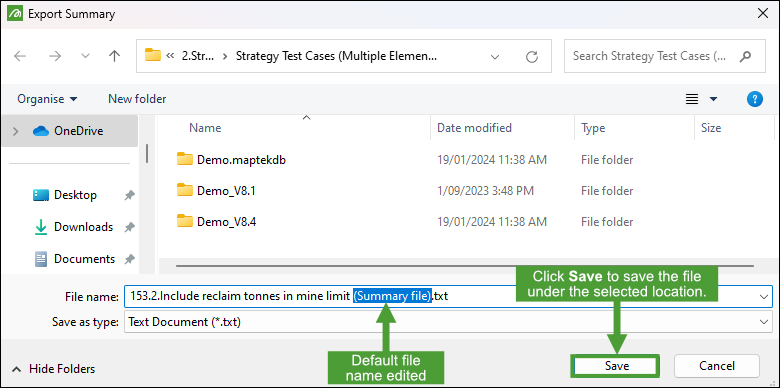
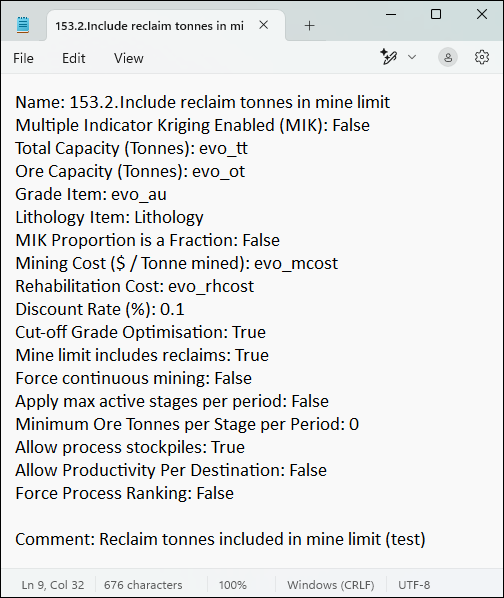
The image below is an example of the format in which your .txt file with summarised information will be saved:
Was this page helpful?
