Data and Objects
PointStudio uses several different data and object types to represent spatial and non-spatial information. This topic describes these types and explains how they relate to one another.
Primitive types
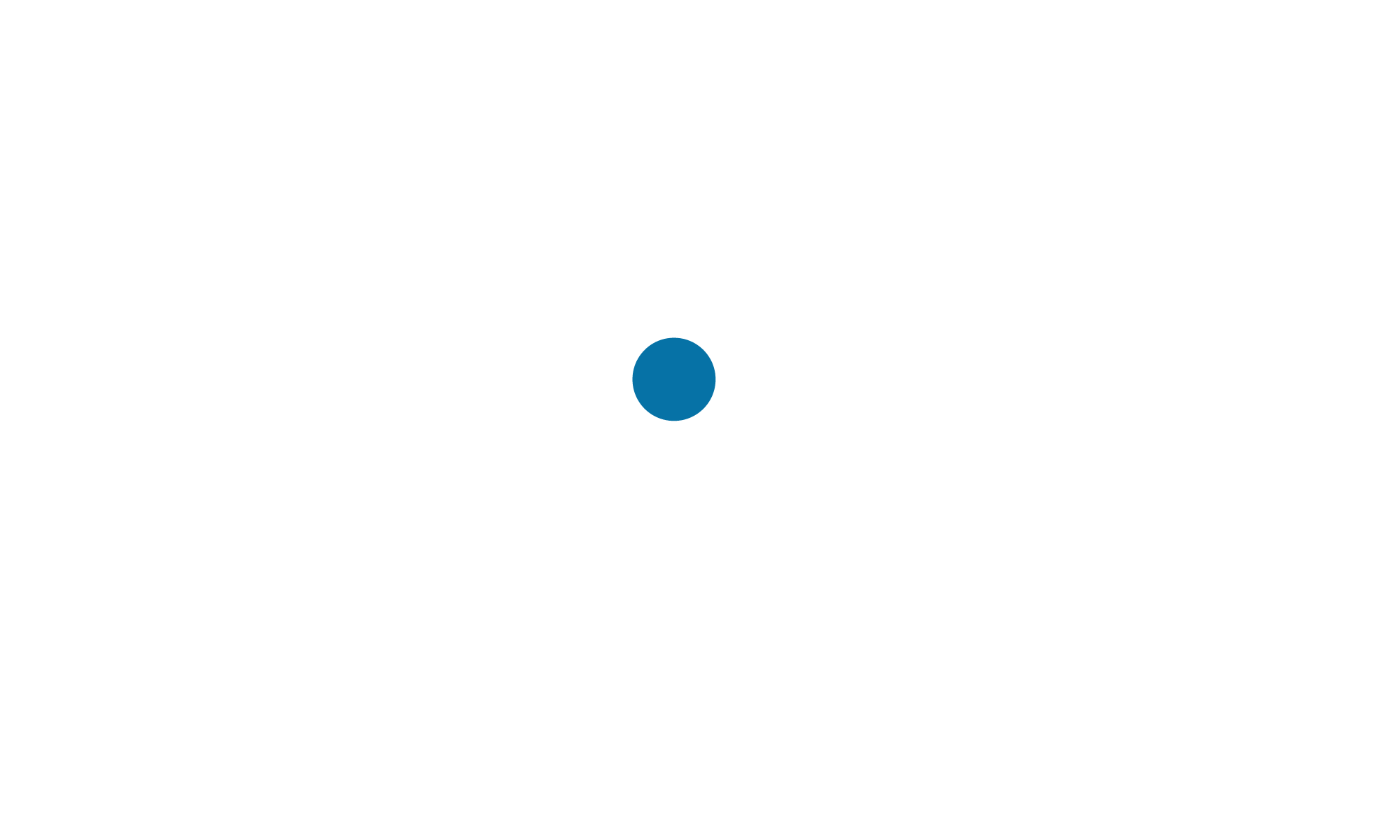
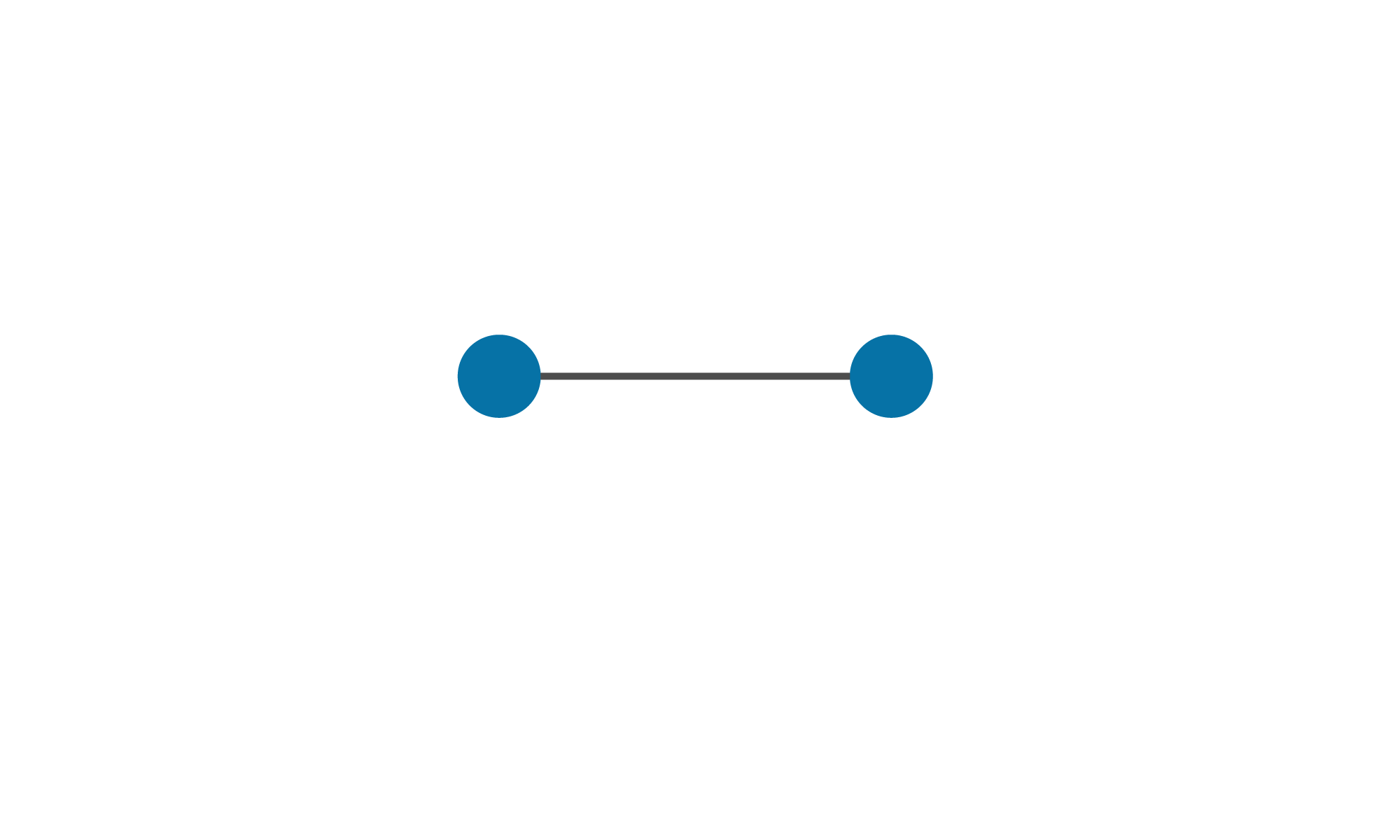
Spatial objects consist of fundamental geometrical structures called primitives. The most basic primitive is the point. A point is a location in space defined by Cartesian coordinates indicating the distance from the origin along the X, Y and Z axes. All object-type primitives are based on points. The following table outlines the five primitive types:
| Primitive | Definition | Visual representation |
|---|---|---|
|
Point |
A single location in space. |
|
|
Edge |
A line segment connecting two points. |
|
|
Facet |
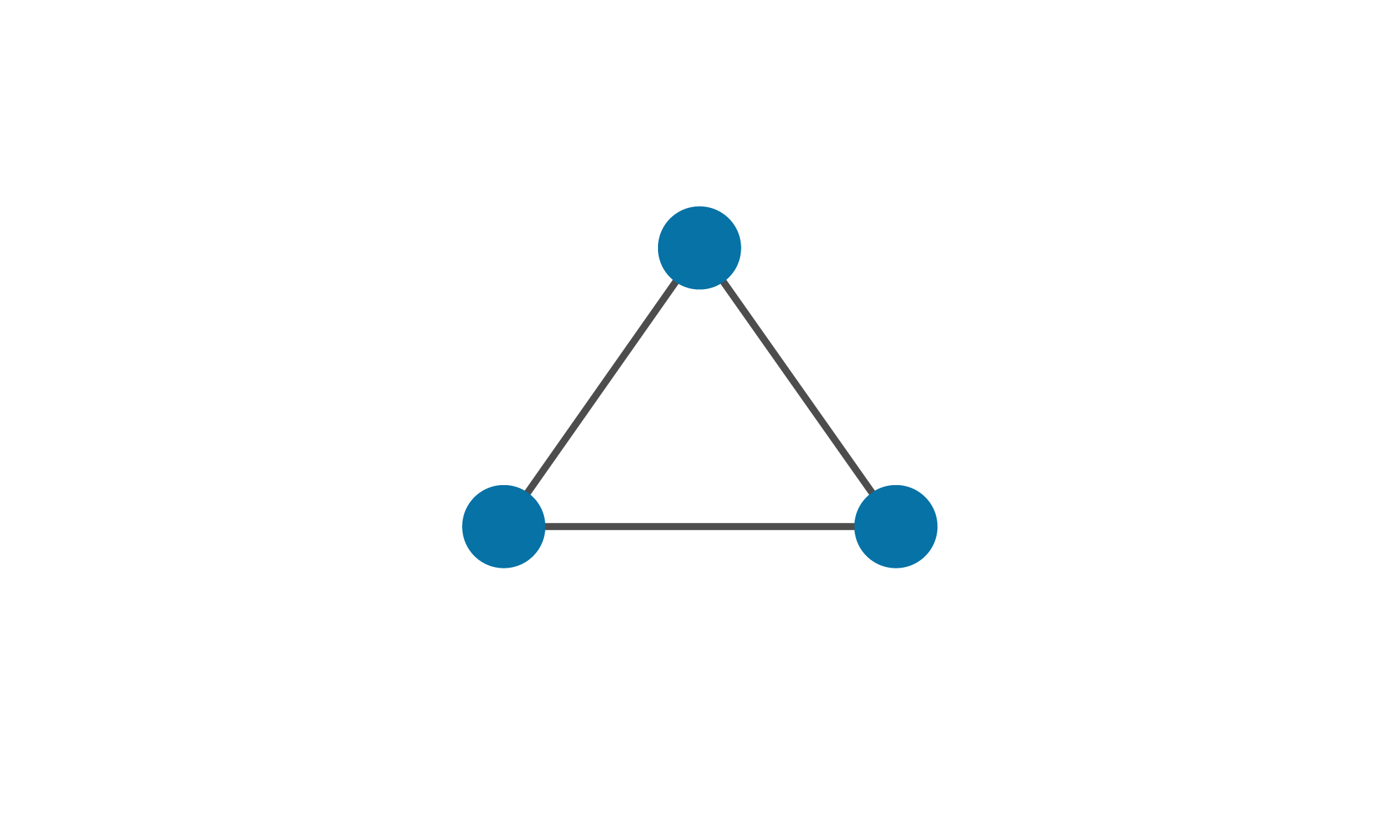
A triangle defined by three points. The line segments connecting each pair of points are also edges. |
|
|
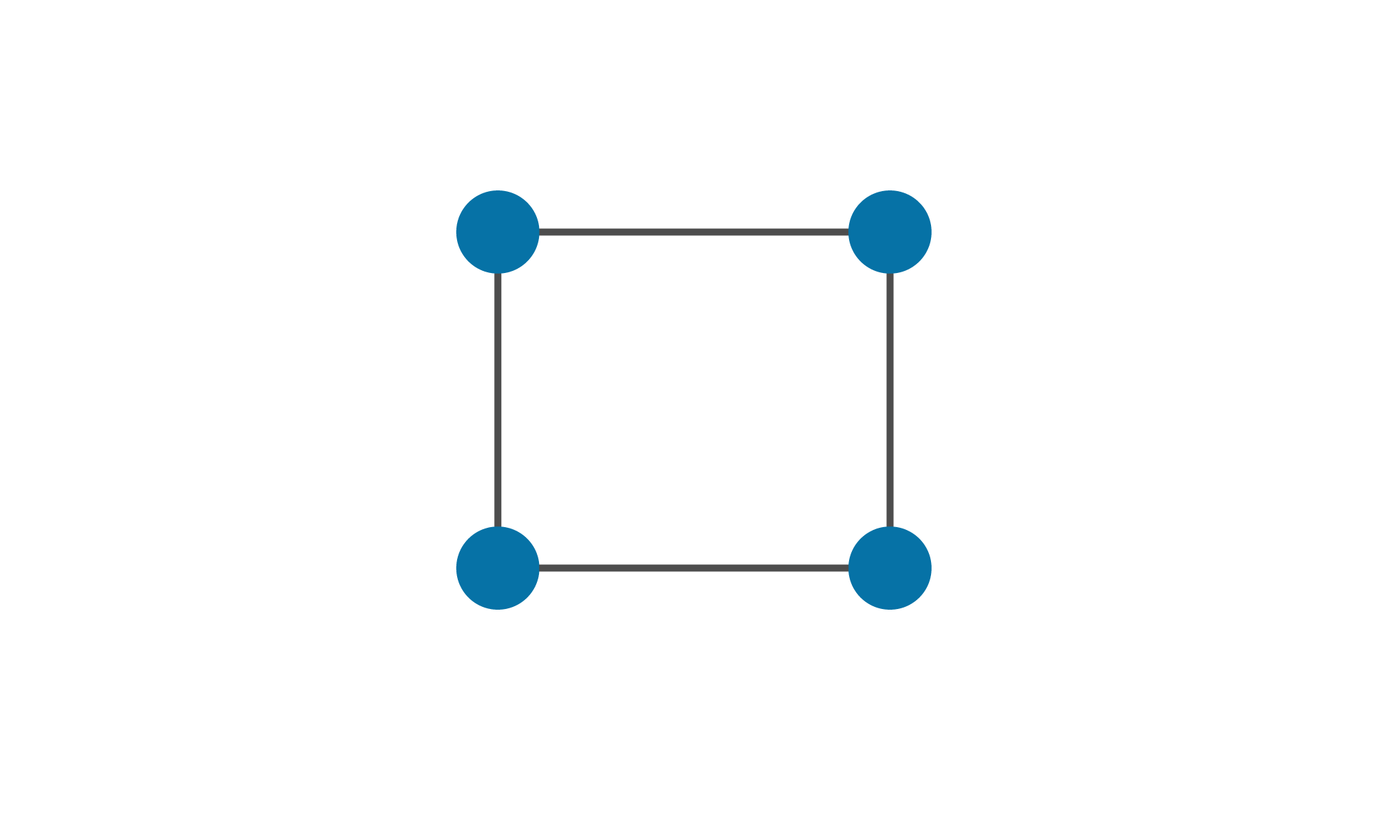
A quadrilateral defined by four points. |
|
|
|
Block |
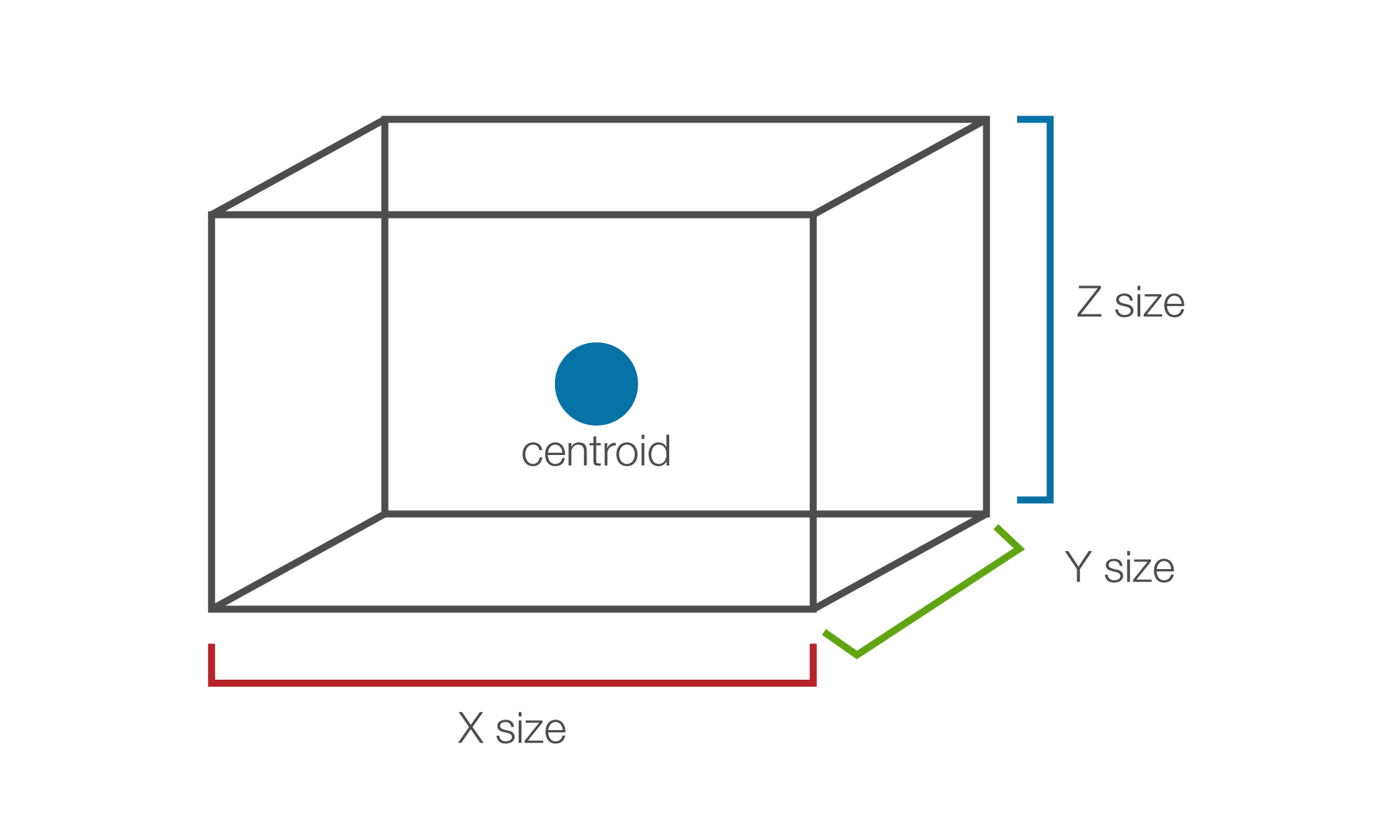
A cuboid defined by a centroid and a size in each dimension. Blocks are the structures that form the basis of block models. |
|
Spatial object types
Primitive types serve as the basis for all higher-order spatial objects. That is, objects that have geometry and can be visualised in a 3D space. Entities such as surfaces, polygons, and point sets are encapsulated in PointStudio as named objects located in the project at a specific path.
Spatial object types can be classified based on the primitive type functioning as the basic building block for that type. The following table summarises the main spatial object types used in PointStudio:
| Object type | Primitive | Definition | Visual example |
|---|---|---|---|
|
|
Point |
Representation of a point cloud—an arbitrary set of points in space, with no topological links between points. |
|
|
|
Edge |
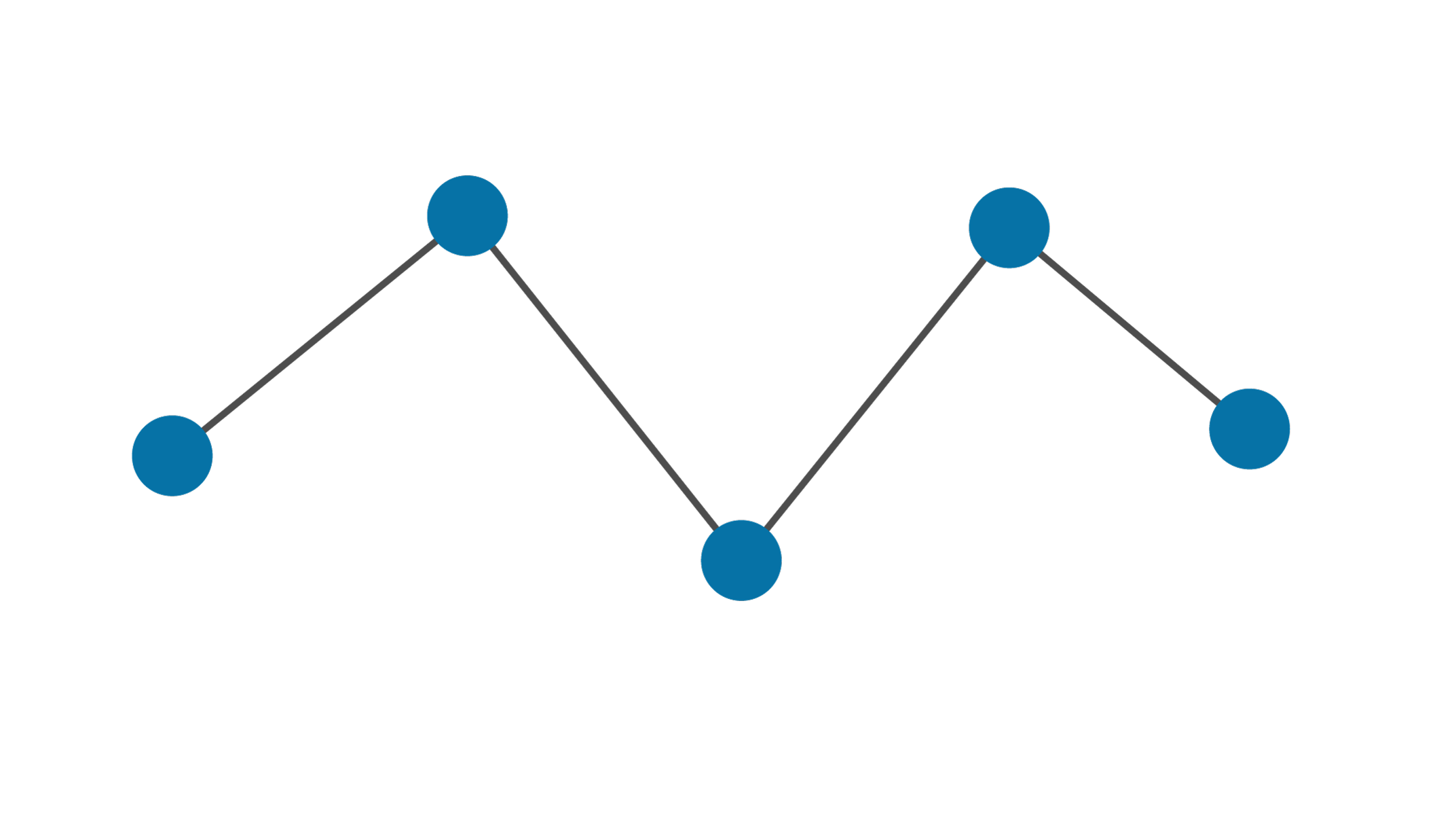
A sequence of edges defined by a sequence of points forming an open chain. See Lines and Polygons to learn how to create lines. |
|
|
|
Edge |
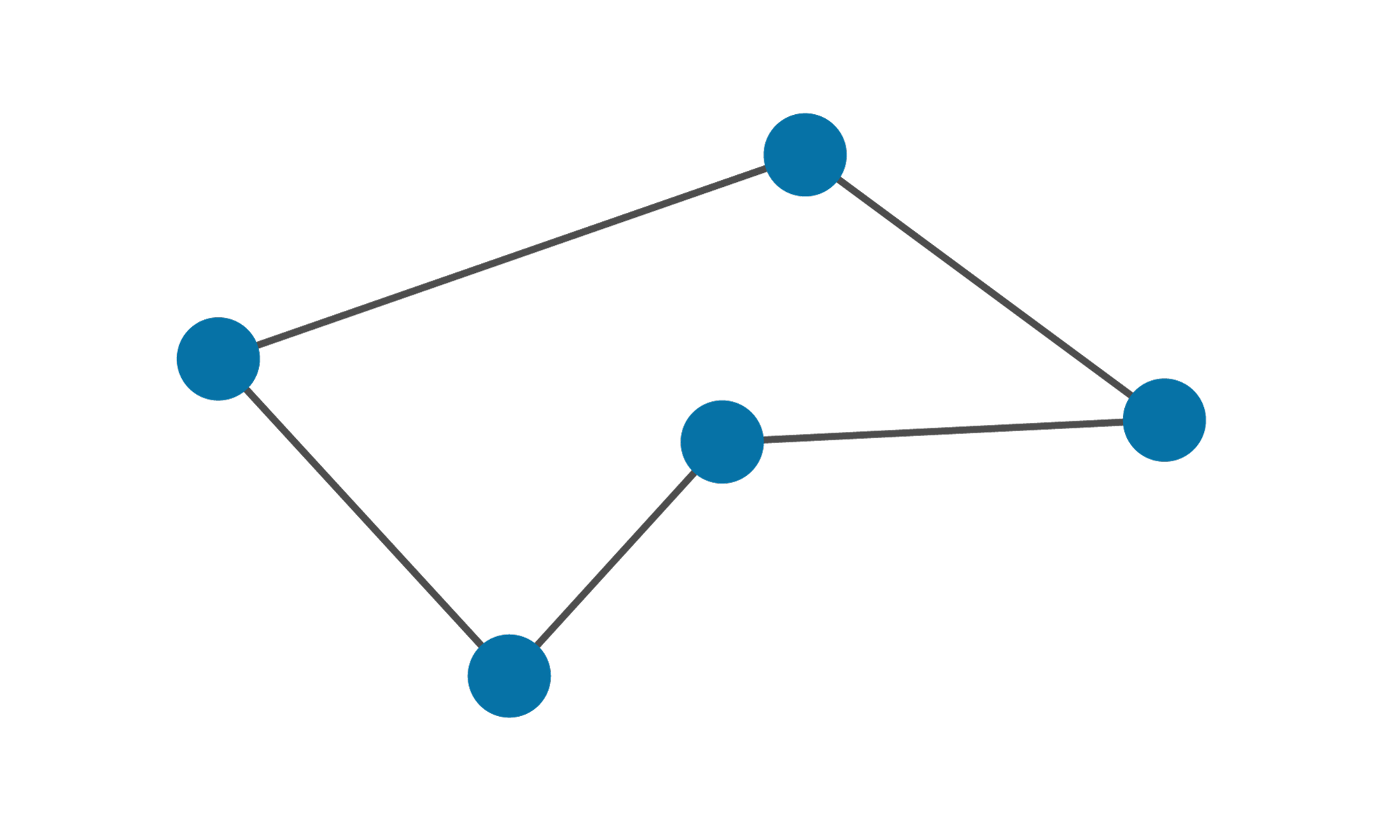
A sequence of edges defined by a sequence of points forming a closed chain. See Lines and Polygons to learn how to create polygons. |
|
|
|
Edge |
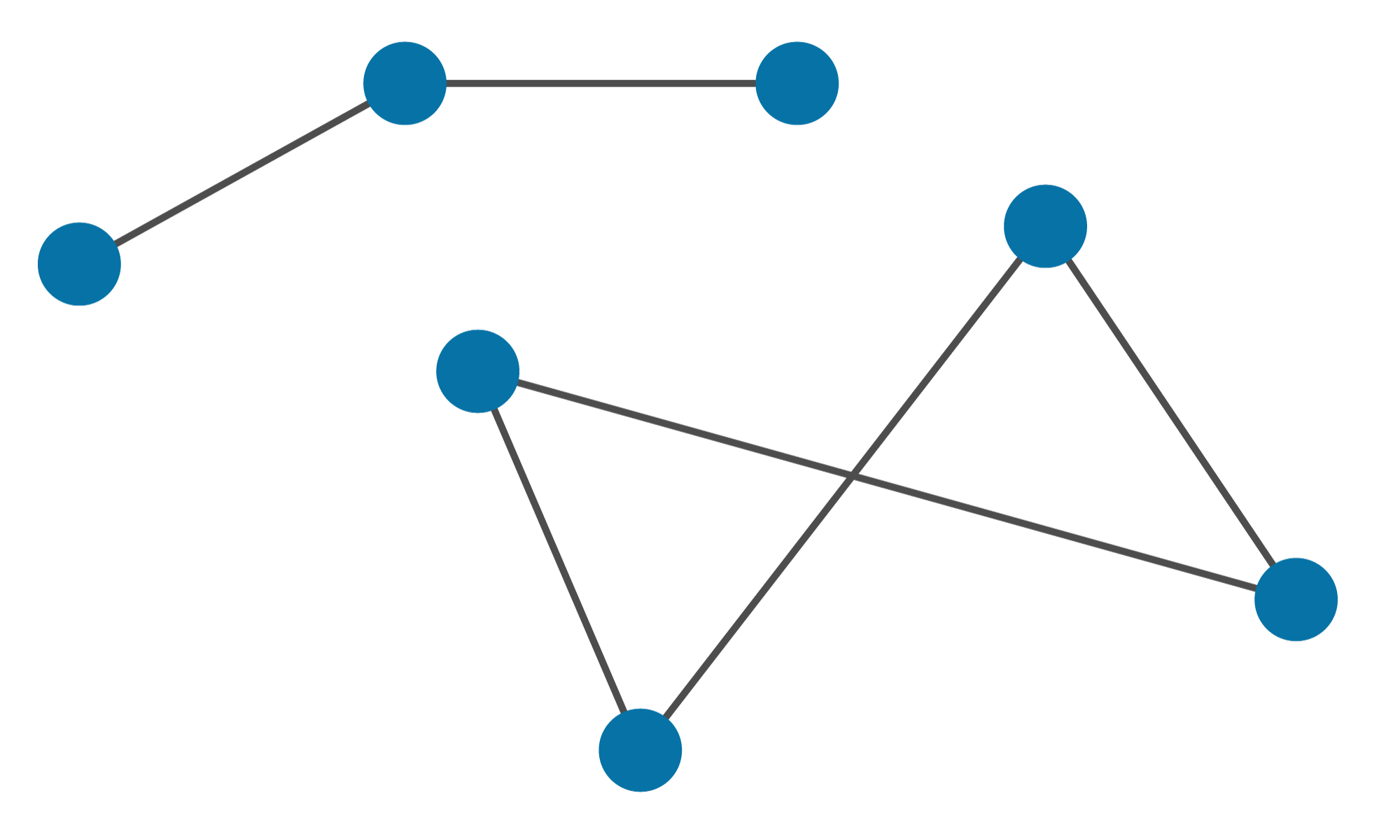
An arbitrary collection of potentially disjoint edges, which may include lines and polygons. An edge network is defined by a set of points and a set of edges connecting points. See Primitives to learn how to edit edge networks. |
|
|
|
Facet |
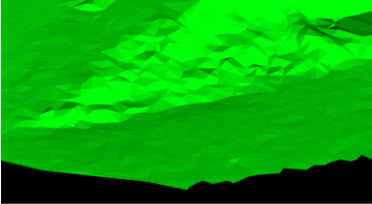
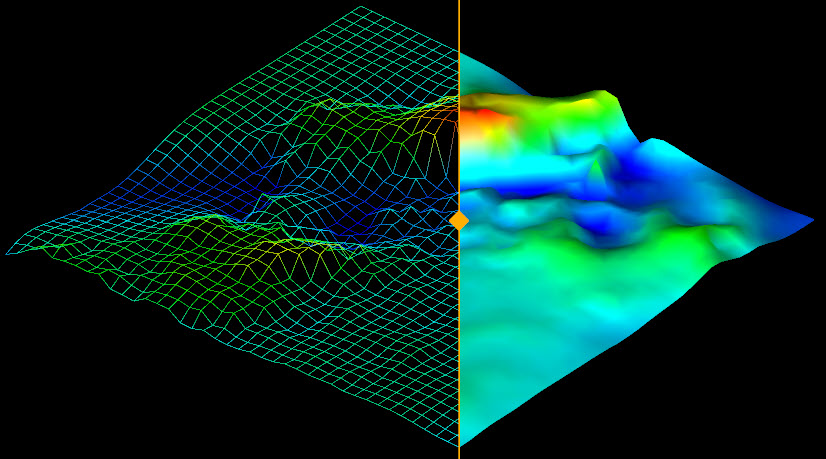
A set of facets typically used to represent objects with a surface area. Surfaces are also called triangulations, since they are made up of triangular facets. See Surface to learn how to create surfaces. |
|
|
|
Cell |
A representation of a surface area using a grid of cells rather than facets. See Grid to learn how to create grids. |
|
|
|
Cell |
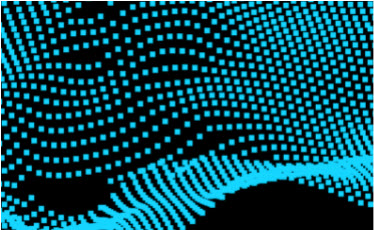
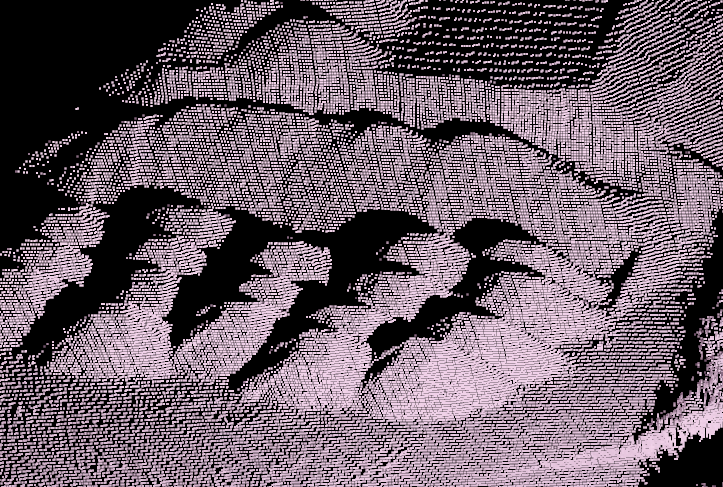
Similar to a point set, but specialised to store point cloud data acquired from a laser scanner. Topological connections exist between points, forming a spherical grid structure. Although visualised as a point cloud, scans store each point internally using spherical coordinates relative to the acquisition origin rather than Cartesian coordinates. |
|
|
|
Point (single) |
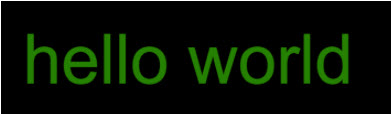
A two-dimensional object containing custom text. As the text is two dimensional, it will never appear upside down or back to front regardless of the angle it is viewed from. See Annotation > Text to learn more about 2D text objects. |
|
|
|
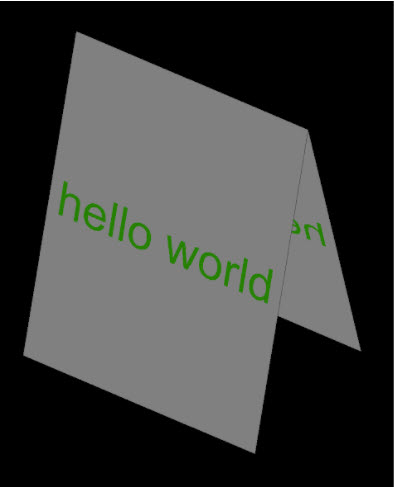
Point (single) |
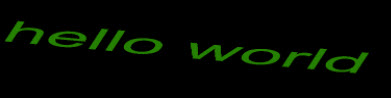
A three-dimensional object containing custom text. This text can appear upside down or back to front depending on the angle from which it is viewed. The size of the text is based on the real-world size, so size is measured in metres. See Annotation > 3D Text to learn more about 3D text objects. |
|
|
|
Point (single) |
A three-dimensional object that can be used to mark locations. You can give markers a shape from a list of predefined shapes or can use a Surface object to define their shape. See Annotation > Marker to learn more about markers. |
|









Non-spatial object types
Some objects are non-spatial in that they do not have any geometry associated with them. Some common non-spatial object types are listed in the table below:
| Object type | Definition | Visual example |
|---|---|---|
|
|
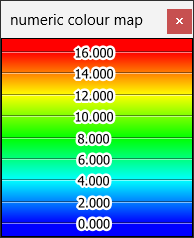
An object that assigns colours to numeric ranges. These maps can be used to colour objects via user-defined properties, which are defined on each primitive in an object. See Legend > Numeric Legend Editor to learn more about how to use numeric colour maps. |
|
|
|
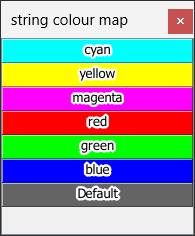
An object that assigns colours to textual string values. Use these maps to colour objects via user-defined properties, which are defined for each primitive in an object. See Legend > Text Legend Editor to learn more about how to use string colour maps. |
|