

Uniform
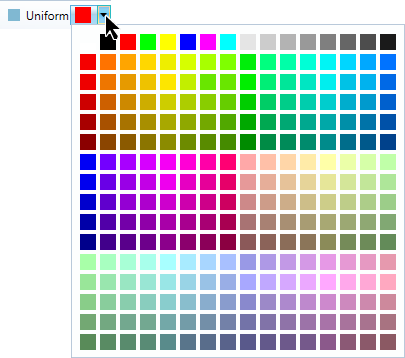
The Uniform tool (Home tab > Colour group) shades the entire selection a uniform colour.
Note: This option is good for lines, points, and surfaces, but is not recommended for scans. Colour scans with an intensity option for better contrast.
-
Select the object or data to be coloured. You can select and colour an entire object or a sub-section.
-
On the Home tab, in the Colour group, open the
 Uniform drop-down list, and select a colour.
Was this page helpful?
