

Copy Scan Registration
The Copy Scan Registration tool (Position and Filter tab > Register group) moves the selected scan to the same location as a base scan by replicating any transformation that has previously been performed on the base scan.
Note: This tool should only be used on scans that have the same surveyed setup location.
-
On the Position and Filter tab, in the Register group, click
 Copy Scan Registration.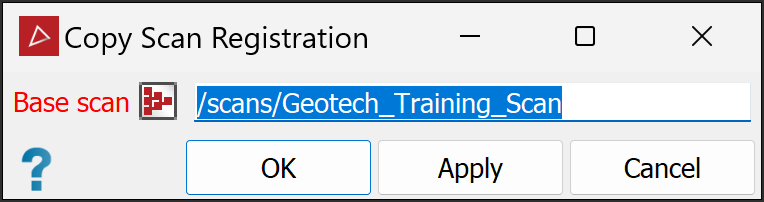
-
Drag the base scan

 into
the Base scan field.
into
the Base scan field. -
Select the scan
to be moved. -
Click OK or Apply.
Was this page helpful?
