

Create Stereonet
A
stereonet  plots slope and slope direction (dip and strike) of the poles of discontinuities
onto a two-dimensional graph. This helps to identify discontinuity sets
plots slope and slope direction (dip and strike) of the poles of discontinuities
onto a two-dimensional graph. This helps to identify discontinuity sets  and analyse the stability of rock slopes.
Creating a stereonet
Follow this procedure to create a stereonet from discontinuity data:
-
On the Geotechnical tab, in the Stereonet group, click
 Create Stereonet.
 -
Add discontinuities
 to the Stereonet data field.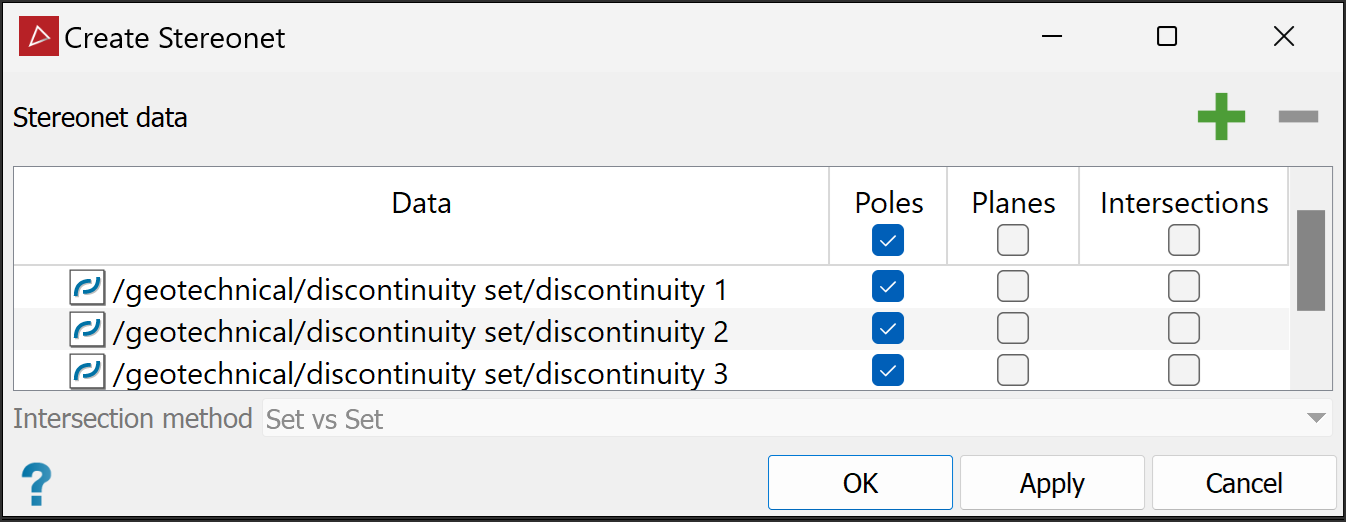
-
Choose any of Poles, Planes, and Intersections as the preferred representations of discontinuities on the stereonet. You can select these globally or individually to suit requirements.
-
If you selected Intersections in step 3, select the preferred Intersection method from the following:
-
All vs All: The stereonet tool will generate intersections between all discontinuities.
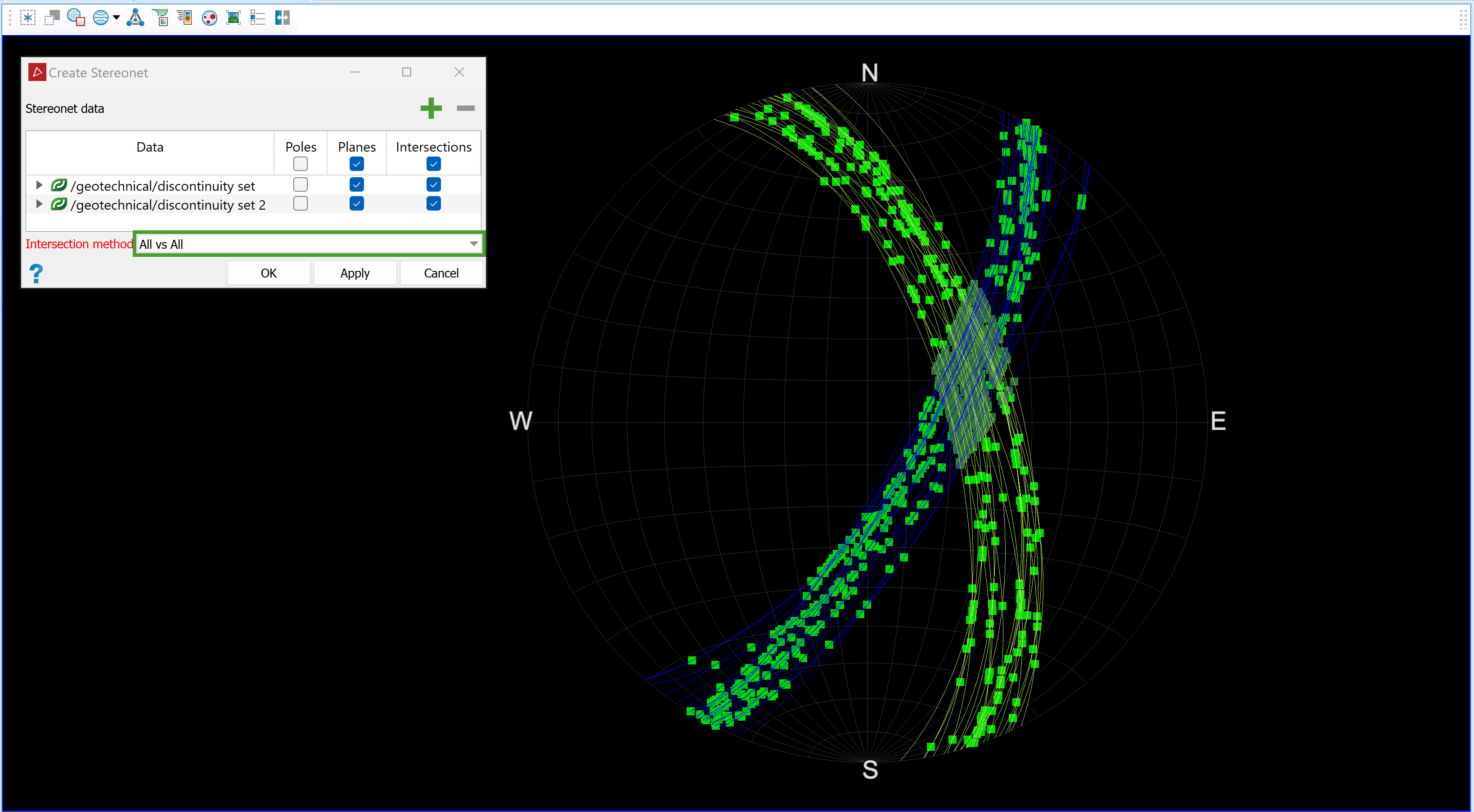
-
Set vs Set: The stereonet tool will generate intersections between discontinuities from different sets, but not between discontinuities in the same set.
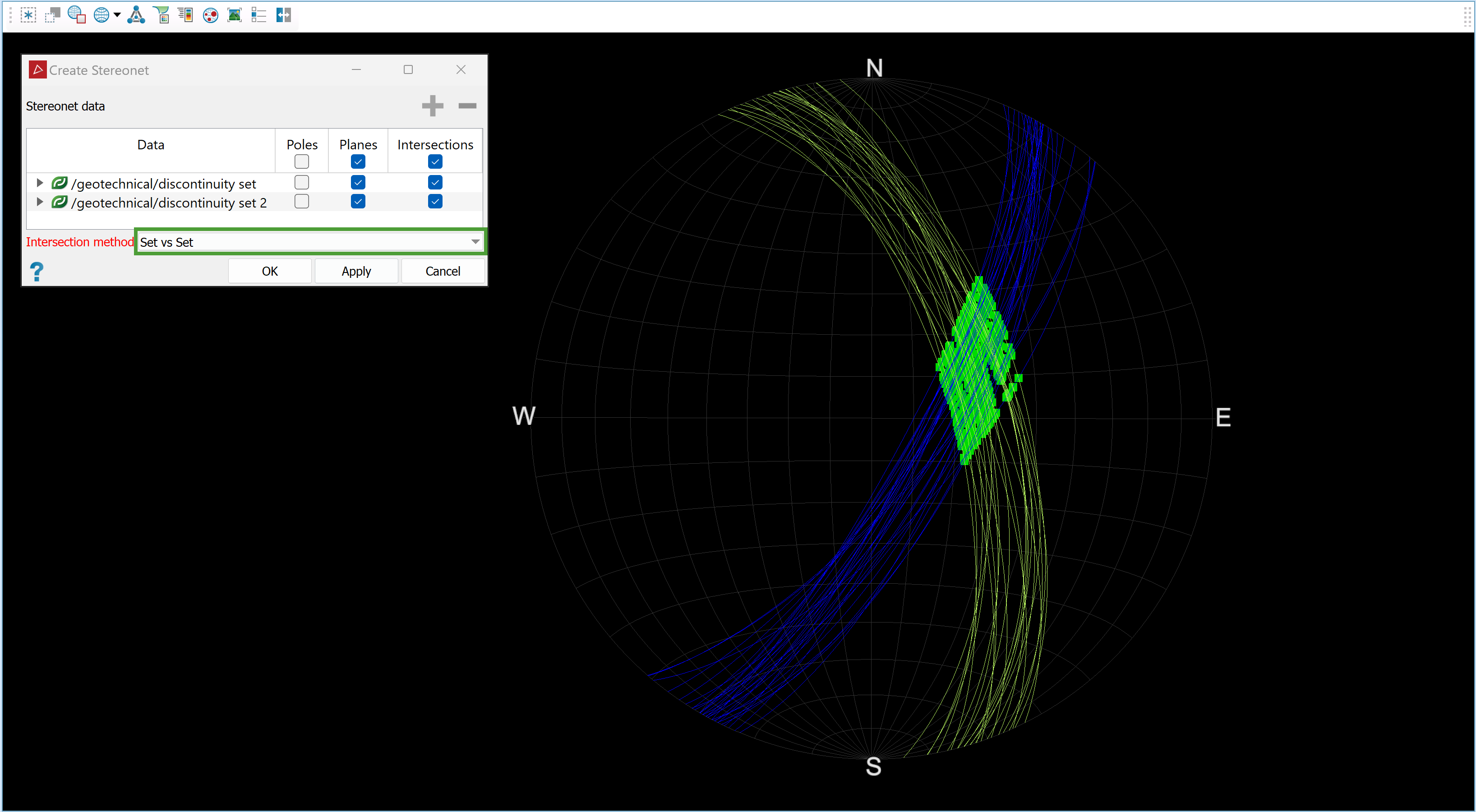
-
-
Click OK or Apply to create a new stereonet in the

geotechnicalcontainer.
Stereonet view options
Open
the stereonet in a new view window, which will display the stereonet view toolbar.

Configure the stereonet with the available functions. See View Window Toolbars > Stereonet toolbar for details.
|
|
|
Equal angle, equatorial grid, scale poles by area |
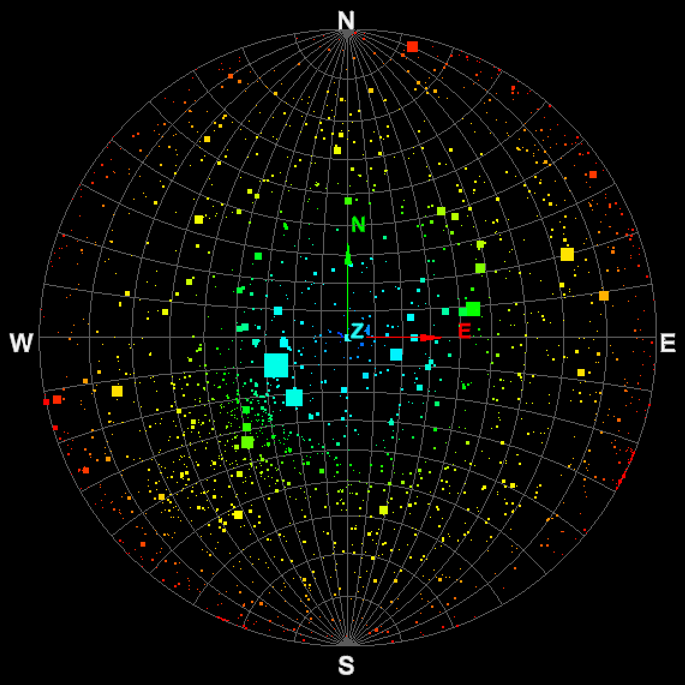
|
|
|
Equal angle, polar grid |
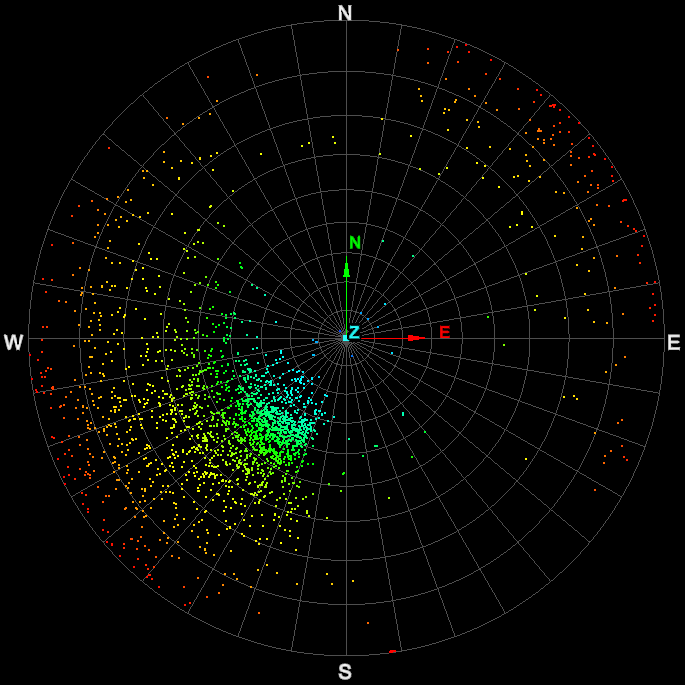
|
|
|
Equal angle, no grid. |
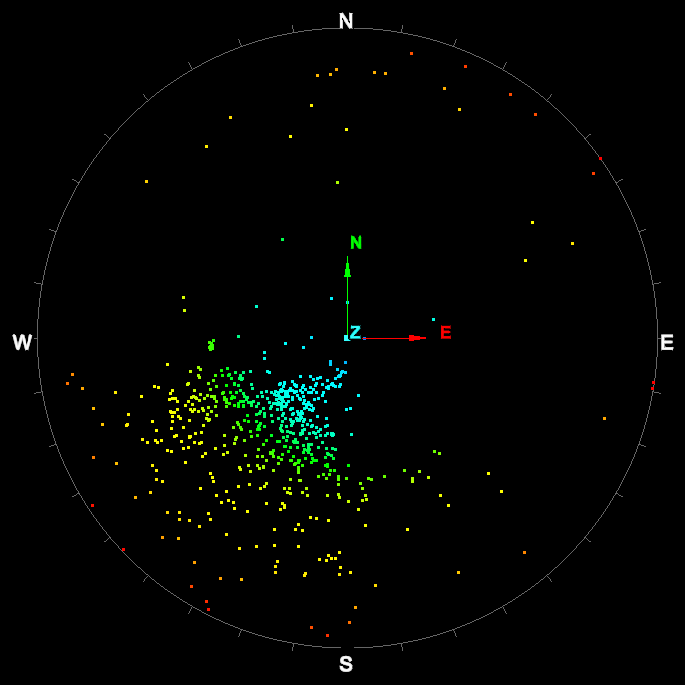
Note: You can also add contours to the stereonet data to help identify data of interest. See Stereonet Contours.
