Set Window
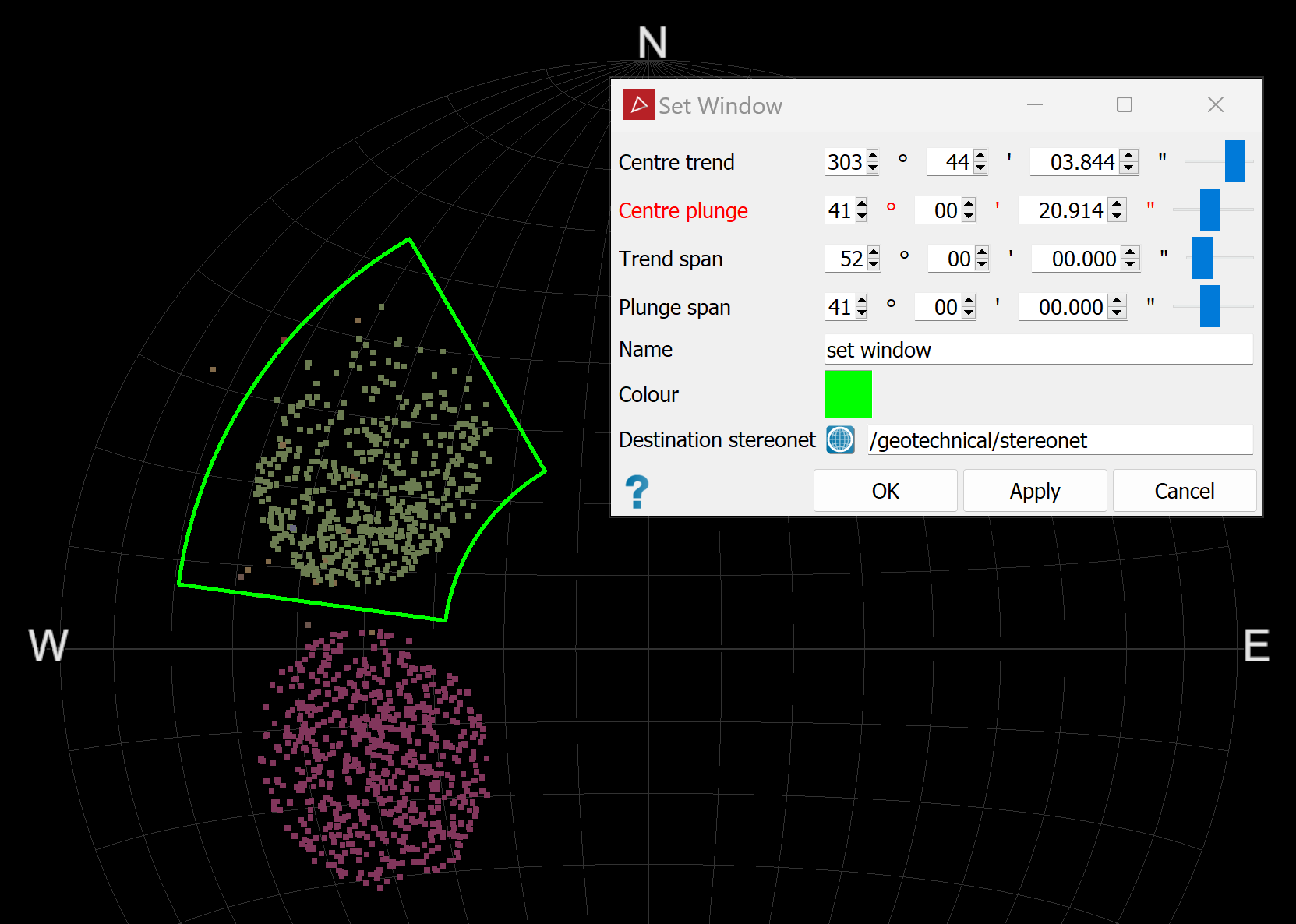
The Set Window tool allows you to draw a window around an area of interest on a stereonet.
The dimensions of the windowed area are defined by trend, plunge, and spans around the trend and plunge.
Create a set window  , as follows:
-
Load a stereonet
 in a view window.
 -
On the Geotechnical tab, in the Stereonet group, click
 Set Window.
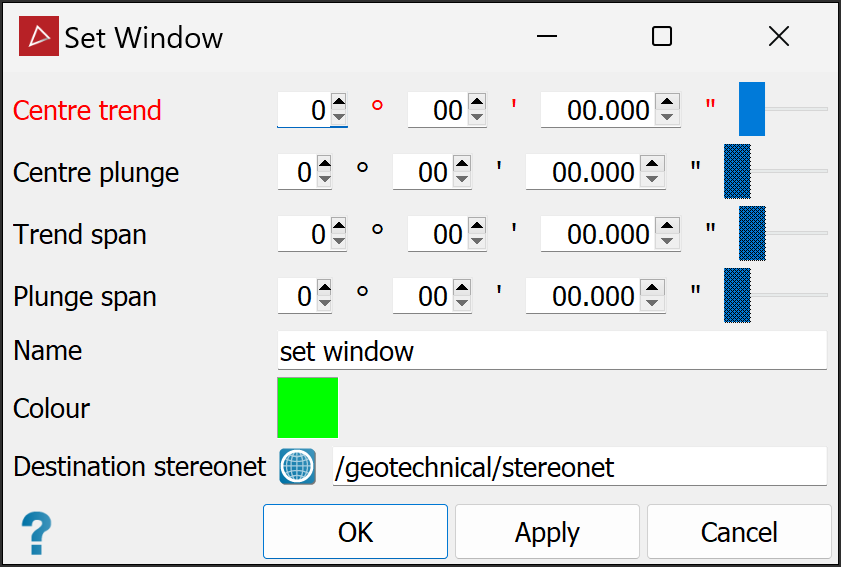
The Set Window panel will open with all angle fields either set to zero if no discontinuity set has been selected, or pre-populated based on the selected discontinuity sets.
-
Select the discontinuity sets
 of interest. The angle fields will update according to the selected discontinuities.
 -
Adjust the angle values as required.
-
Enter a Name for the window.
-
Choose a Colour for the window frame.
-
Choose a Destination stereonet to display the window.
-
Click OK or Apply.
|
|
|
A stereonet with points (poles) selected and the resulting window drawn around them. |