Toes and Crests from Points
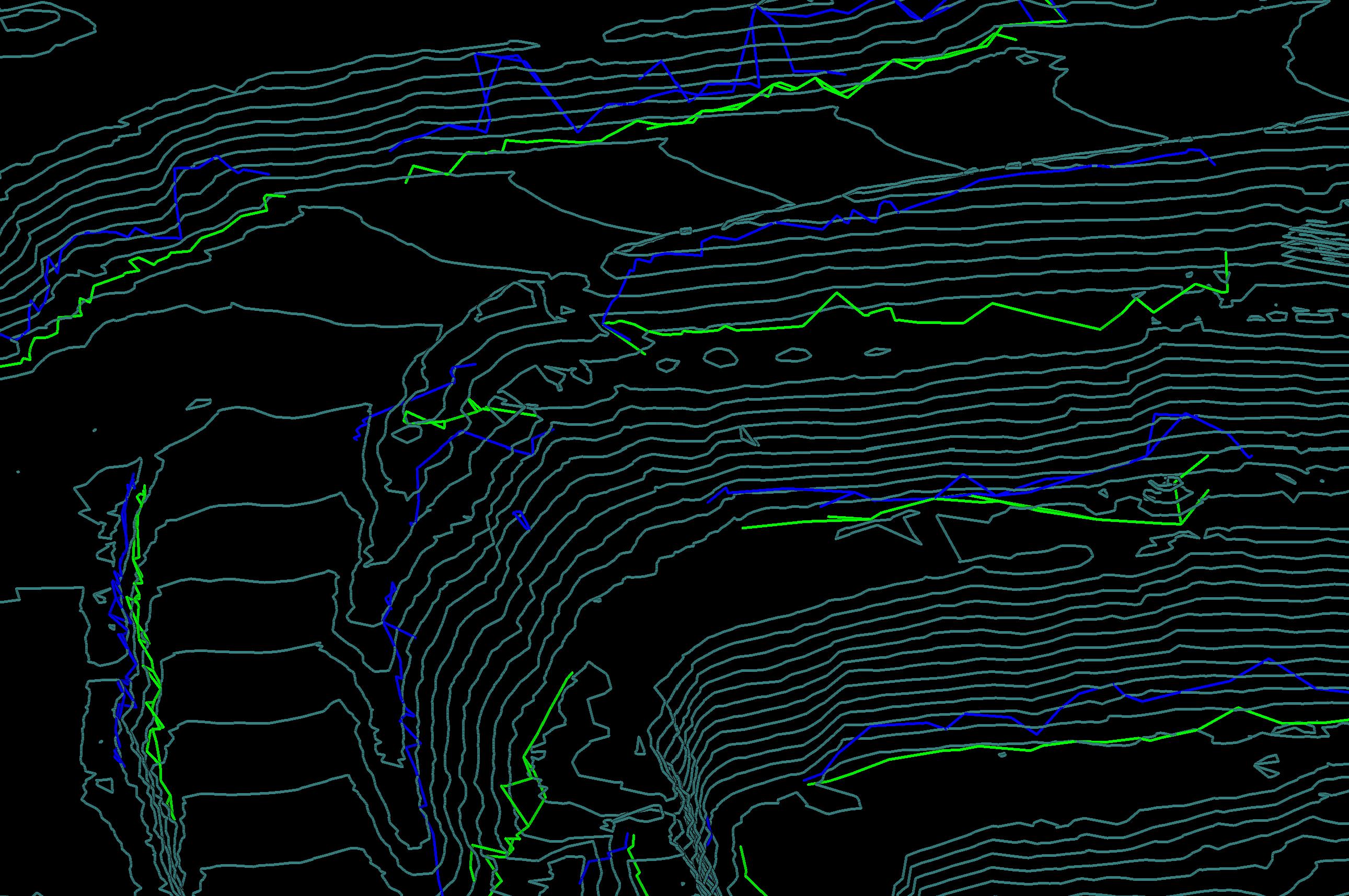
The Toes and Crests from Points tool, (Labs tab > Create group), creates four sets of lines representing the Crests, Toes, Top of rill, and Bottom of rill lines within a pit.

The input
data showing the pit can be a set of points  , scans
 or surfaces
 . The results
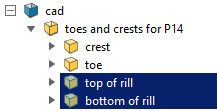
are saved to individual toes and crests containers under the
. The results
are saved to individual toes and crests containers under the 
cad container.
Create toes and crests from points as follows:
-
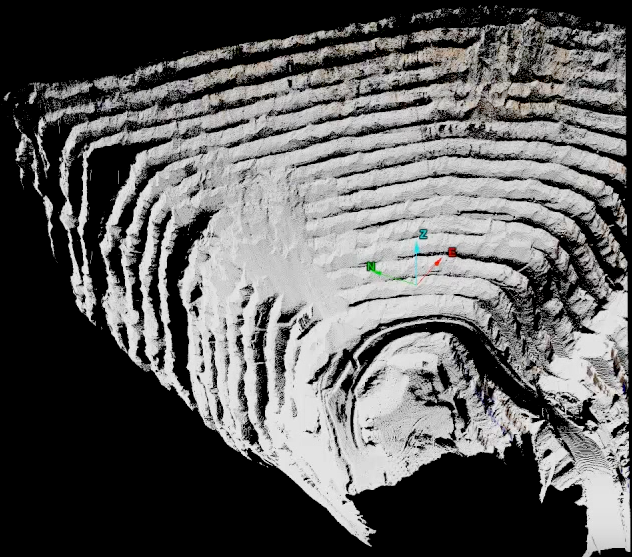
Import the pit data into a new view window.
-
Select the pit scan in the project explorer.
-
On the Labs tab, in the Create group, click
 Toes and Crests from Points.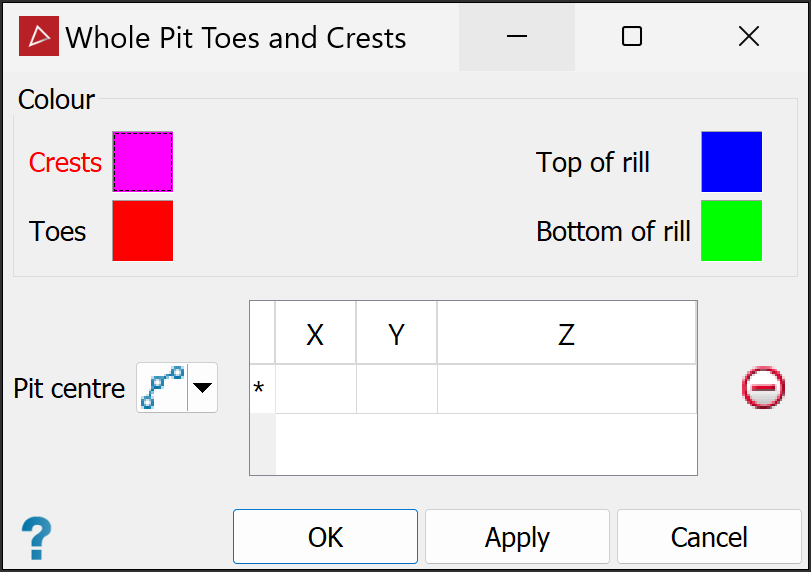
-
Specify the Pit centre to determine the shape of the pit from the drop-down list by selecting either of the following:

By points
Place the cursor into the first row, click at least two points in the pit base to draw a line running along its centre.

By edge chain
Draw an edge chain on the pit then drag it from the project explorer into the Edge chain field.
-
(Optional) Change the output line colours according to preference via the Colour boxes. Either single click for the standard colours, or double-click for more advanced colour choices.
-
Click OK or Apply to complete the tool.
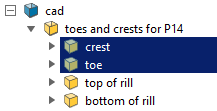
The results are saved in the cad container in a custom container  named
named toes and crests for <original scan name>. Each of the line sets
is in a separate custom container in the parent container.
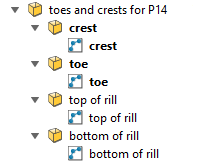
Tip: View the toes, crests and rills containers in separate windows.
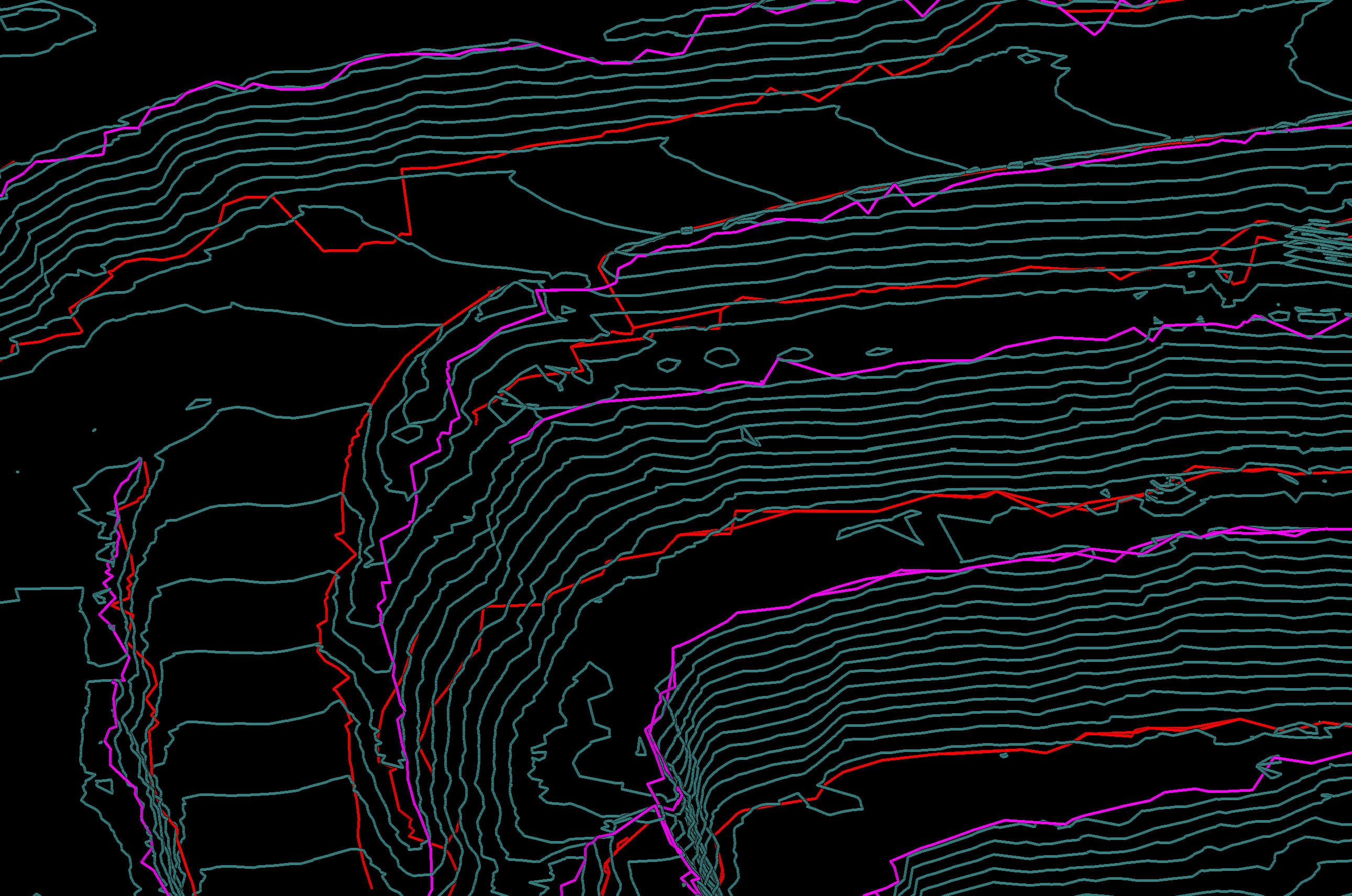
Tip: Try viewing the toe, crest, and rill lines against contour lines. Viewing against the scan or surface can obscure many line segments.
|
|
|
Crests and toes lines (pink and red lines), each saved in its own container. |
|
|
|
Top of rill and bottom of rill lines (blue and green lines), each saved in its own container. |