

Overview
Command line programs are programs that are external to Vulcan that are run from a commandline window.
Introduction
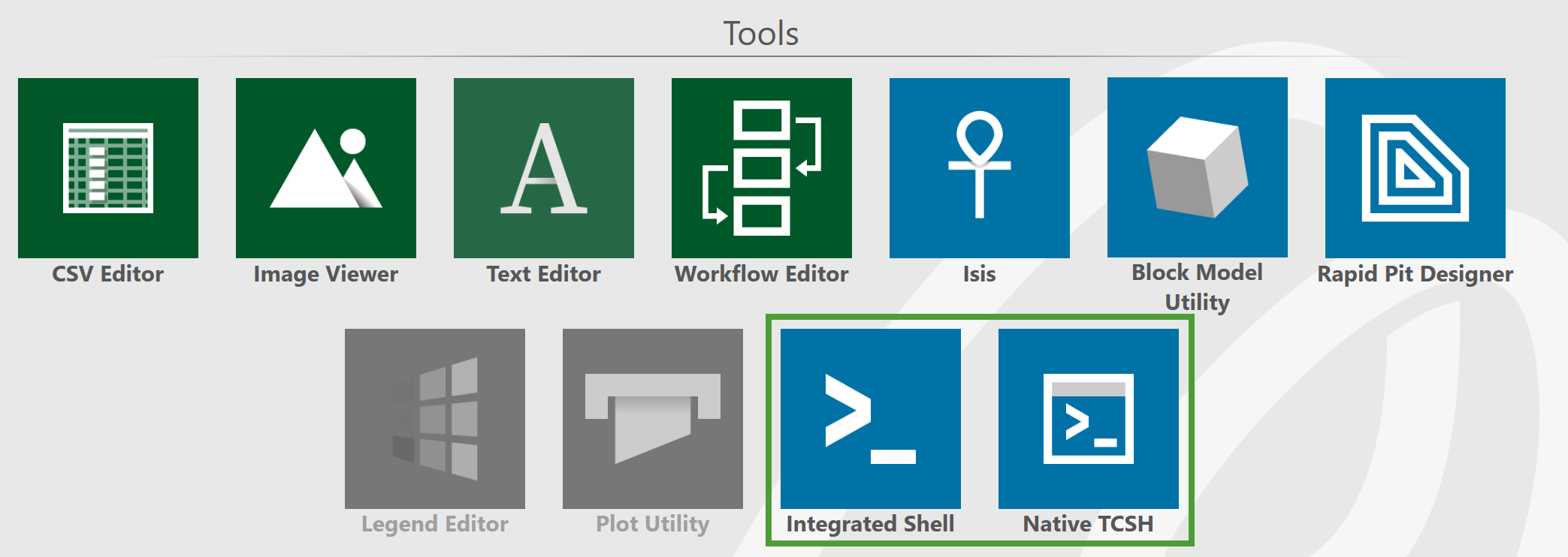
To run an external program, open a commandline window by clicking either of the following tiles on the Workbench Start Page:
-
Integrated Shell: Opens a command line window in Workbench.
-
Native TCSH: Opens a standalone commandline window.
All external programs are located in the /bin/exe area of your Vulcan directory. Since this is usually not in your data path, you must include the full path in order to run these programs.
The selection options (switches) that can be used with the programs depend on the program that you want to run. Available options can be shown by entering the program name through the command line of a shell window. Programs that do not allow selection options, show usage only.
Block models are locked while being accessed by Vulcan or an external program. It is not possible to remove these locks, nor is it possible to expand the block model if it was not expanded and collapsed prior to being locked. This is because the Vulcan Explorer uses its last know list of variables and if the block model has not been expanded, then there is no list of variables.
A  lock button indicates that the block model was not unlocked prior to exiting Vulcan (may have been due to a system failure). These locks can be removed by right-clicking on the block model name and selecting Unlock from the displayed context menu. A
  lock button indicates that the block model has been locked by someone else (i.e. another user is currently using the block model). These locks cannot be unlocked.
Programs
The external programs are listed below with brief descriptions. Click a program name to see a full description.
Create a Vulcan triangulation from a Vulcan ASCII dump file.
Run Automated Pit Designer.
Create a new block model by adding two existing block models.
Assign block variable values from an input model to an output model.
Perform calculations on a block model according to the contents of a nominated calculation script file.
Split a block model using a splitting factor (a positive integer, n).
Edit nominated block model variables, such as variable name, description or default value.
Convert a classic Vulcan block model into the extended block model format.
Use this to create a block model from a nominated CSV file.
Delete blocks from a nominated block model.
Add a character (name) variable to an existing block model.
Add or subtract numeric variables to and from an existing block model.
Export a block model to an ASCII file. The blocks to export can be selected by specifying selection parameters.
Calculate an expression in a block model and save it in a variable.
Extract blocks from a nominated block model.
Display the header information, including origin, format, dimensions and defined variables, for a nominated block model file. The header information can also be outputted to a nominated file.
Record and list all modifications and/or processes that have been performed on a specific block model file.
Import and create a new block model using the block information stored in a nominated ASCII file.
Create a spatial index for a new block model.
Insert mined variables into a nominated block model.
Convert a Vulcan block model into a Pexel file based on the colour legend of a specified variable in the model.
Check for duplicate blocks in a nominated block model.
Create grade shell triangulations from an existing block model.
Create grade shell triangulations from an existing block model using the improved method. The improved method is designed to resolve the occasional surface problems that occur using the traditional BMARCH method.
Export block model variables that correspond to the X, Y, and Z locations of a mapfile or Isis database.
Copy the contents of a block model into a larger model. The schemas of the models must align. They must have same parent block sizes and same sub-schema sizes and the alignment of the parent blocks must differ by a multiple of the parent block size.
Report on the proportion of a block that falls in a nominated triangulation(s).
Create a new block model file according to the rules defined in a nominated block model definition file.
Export regular blocks from a Vulcan block model. The information can be exported to a Whittle 3D block model, a Whittle 4D block model, a Whittle 4D pit list file or a CSV file.
Take in a design database along with the specification created in the menu option.
Reblock a sub-blocked model into a regularised block model. Each variable in the resulting block model will be calculated according to the rules contained in a nominated reblocking parameter file.
Calculate reserves.
Create a new block model definition file from an existing block model.
Import and create a new block model using the block information stored in a nominated ASCII file.
Create a stratigraphic block model from a set of stratigraphic grid models created through the Grid Calc menu.
Create a stratigraphic block model from triangulations. The stratigraphic models can include sub-blocking and faulting.
Use this to export block values to a nominated CSV file. The resulting CSV file can be edited through software packages that are familiar with the CSV format, such as Microsoft Excel and Microsoft Access.
This option allows a block model to be transformed, rotated and/or scaled.
Intersect a block variable with a nominated triangulation.
Re-block a block model based upon a new surface.
Perform block flag by triangulation.
Take models with compatible schemas and write the union of the block models. All variables are copied. The schemas must be compatible (the same size blocks and origins that differ by a parent block size.) The rotations must be the same.
Convert legacy block models created prior to version 4.5 to the current block model style.
Maintain databases.
Run compositing.
Create a text file of the database.
Load a.dbl file into a database.
Merge components in a specification file into a database.
Run database conditions (.dcf) files.
Create separate files for each record (table) in the database.
Apply cell declustering to a sample population.
Use this to export the design data contained in a Vulcan design database into a nominated MicroStation DGN file.
Export the design data contained in a Vulcan design database into a nominated drawing file (.dwg and.dxf).
Import the data contained in a nominated MicroStation DGN file into a Vulcan design database.
Convert an ASCII text file to a binary design file.
Convert a binary.dsf design to an ASCII text file.
Import the data contained in a nominated Open Alliance Design formatted file (.dwg and.dxf).
Use Mapfile Generation to generate regular mapfiles using the same data selection procedures used by the fixing process.
Run the flag samples option as a separate executable from Vulcan.
Import structural data into a structural database.
Convert a External_CompuServe.gifExternal_87a.gif89a image or texture into a Pexel file.
Automate import runs for CSV files.
Merge two design databases.
Allows a sequence of multivariate transformations and backtransformations to be run multiple times.
Convert a Silicon Graphics Industry (SGI) RGB file into a Pexel file.
Convert an image file to a PostScript file. The image may be a External_CompuServe.gifExternal_87a.gif89a image, a Silicon Graphics Industry (SGI) RGB image or a Portable Any Map image.
Convert.rgb files to.rtl files.
Merge a local and a master specification file.
Create a Vulcan triangulation and Image Registration file (which registers the image to the triangulation) from a DXF file and an image.
Convert a Vulcan triangulation to the Inventor format.
Use this to generate a specification file of update with points.
Create a new triangulation by adding existing triangulations.
Report cut and fill volumes between two open-cut mine designs (such as date1 and date2) on a bench by bench basis.
Use this option to performing boolean operations on triangulations.
Computes a grid based union or intersection of two triangulations.
Performs the Boolean operation on two nominated triangulations.
Compress the data structure of a triangulation by removing all duplicated/unused vertices and all duplicated facets.
Close all of the holes in a nominated triangulation solid.
Create solids between two surfaces limited by vertical projection of their footprint intersection.
Calculate the volume of a 3D triangulation, as well as check for closure and topological consistency.
Display a nominated triangulation(s).
Convert a Datamine triangulation into a Vulcan triangulation(s).
Make an ASCII dump of an existing triangulation for import into other systems.
Place a fault (defined by a string) on a nominated surface triangulation. The fault results in a vertical or angled tear of the surface.
Convert a Gemcom triangulation to a Vulcan triangulation.
Convert a grid file to a triangulation file.
Turn a nominated ASCII triangulation into a binary triangulation.
Take all objects in each layer specified and perform a tesellation of the data. The results are then written and saved in a nominated triangulation.
Convert a MineSight triangulation (.msr) to a Vulcan triangulation.
Create a triangulation model from existing contour data.
Register data onto a specified triangulation projected in the Z direction.
Create a new triangulation by relimiting an existing triangulation model.
Clip a triangulation between a series of successive planes and produce new triangulations. The new triangulations are referred to as shells.
Filter multiple triangulations at once.
Snaps points together on a nominated triangulation if they are in a specified tolerance.
Use to split a triangulation by volume, with the option of saving a triangulation below the target volume and/or appending the results in one single triangulation.
Create a new triangulation by subtracting one existing triangulation from another.
Test a nominated triangulation for consistent topology, closure, and intersections.
Transform a nominated triangulation using matrices in a given specification file.
Calculate the volume between a nominated triangulation and a specific bench height plane.
Calculate the cut and fill volume between two nominated triangulations.
Repair one or two triangulation by voxelation (creating a block model of a specified size to then generate a grade shell around the invalid solid(s)).
Uncompress triangulations from newer versions of Vulcan (Vulcan 8.0 and newer) to a format that is compatible with Vulcan 7.5.
Use this to create a batch file to run the Stope Shape Optimiser engine as a standalone tool from a CMD box.

