

Insert Ramp
Use the Insert Ramp option to insert a ramp into an existing design string.
Instructions
Click the A hotkey,
or
On the Utilities menu, click Insert Ramp.
Select the bench in which to insert the ramp.
The Create Road panel will appear.
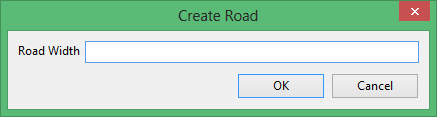
Pick the starting point to insert the ramp.
Specify the width of the ramp to insert. The default in the panel is read from your specification.
Click OK.
Related tutorials
Was this page helpful?

