

Increasing and Decreasing
Check that the field increases or decreases
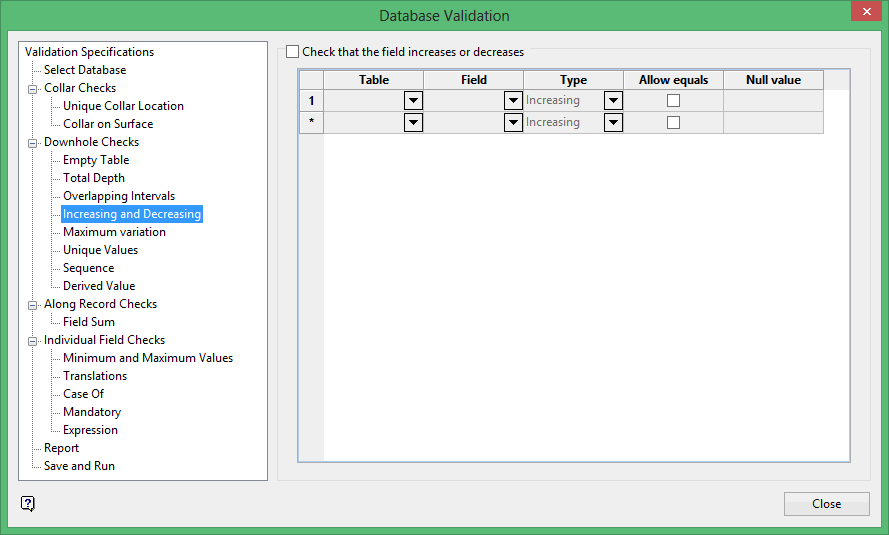
Select a Table(s) and associated Field(s), and choose whether subsequent logged intervals should be Increasing or Decreasing. Decide whether the fields can be equal, and enter any Null value to ignore.
Table
Select the table that you want to check.
Field
Select the field that you want to check.
Type
Specify whether to check that the values down the hole either increase or decrease.
Allow equals
Select this checkbox to allow fields that are of equal values to be excepted.
Null value
Enter a value to be used as the null value. Values matching this in the data source will be ignored. Leaving this field blank, or entering a value of '0.0', will disable null checking.
Was this page helpful?

