

Reverse View 
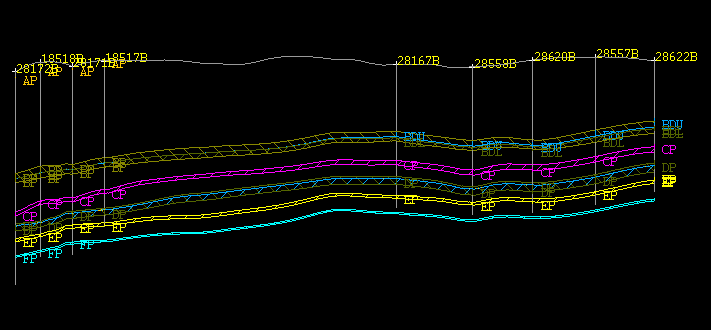
Use the Reverse View option to flip the current cross-section along its horizontal axis, i.e. mirror the view in the Drillhole Section Window.
To use this option, you must be in the Drillhole Section Window. Use Ctrl + Tab to move between the Primary Window and the Drillhole Section Window.
This option can also be accessed by selecting the Reverse View button from the Geology Section toolbar.
Instructions
- Select Geology menu
- Select Drilling Section submenu
- Select Reverse View option
Once selected, the current cross-section is flipped along its horizontal axis.
|
|
|
Original Cross-Section |
|
|
|
Mirrored Cross-Section |
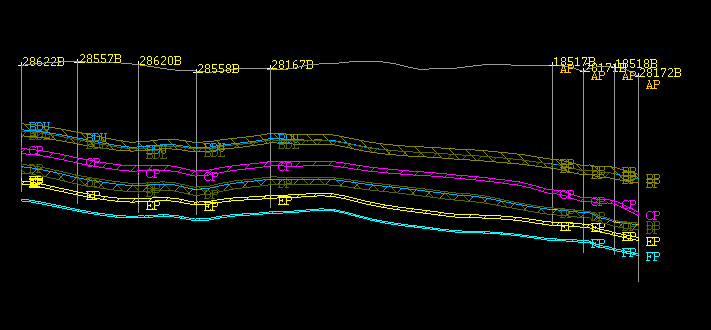
Select the Reverse View option again, or use the Reverse View button on the Geology Section toolbar, to return the cross-section to its original state.

