

Open Polygon
Open a polygon
The Open Polygon option to open a polygon by disconnecting the first and last points in a string.
|
|
|
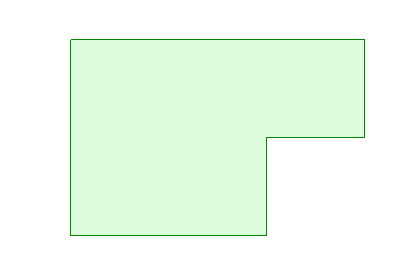
Figure 1 - The Original Polygon |
|
|
|
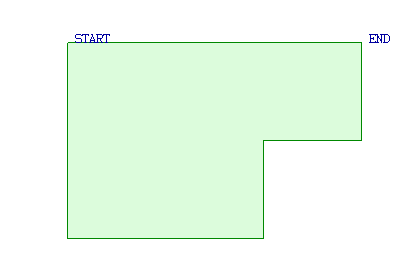
Figure 2 - The Polygon with the Start and End Points Displayed |
|
|
|
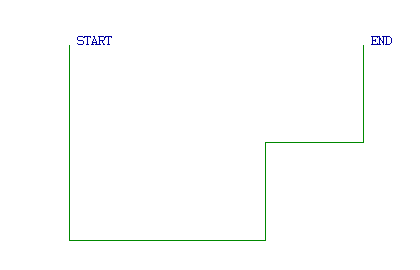
Figure 3 - The Resulting Object |
Instructions
On the Design menu, point to Attribute Edit, and then click Open Polygon.
The Multiple Selection box displays. Use the Multiple Selection box to choose your method of selecting objects and select the objects.
The chosen objects (polygons) are then opened. Use the Open Polygon option to open the resulting polygons.
It is also possible to open an object through using the Graphics option, selecting the  Object Properties button from the Status toolbar or by selecting the Properties option from the Vulcan context menu. Selecting any of these methods will result in the Modify Graphics attributes panel being displayed.
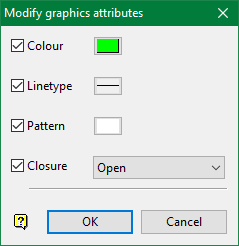
Click the Closure checkbox and select Open from the down-down.

