

Change Section Line RLs
Use this option to change the elevation level of a section line.
Note: You will need to open a specification file prior to using this option. Click Dragline > Files > Open to load a specification file.
Instructions
On the Dragline menu, point to Sections, then click Change Section Line RLs.
Note: There is no UI panel associated with this option.
The layer(s) will loaded in section view onto the screen.
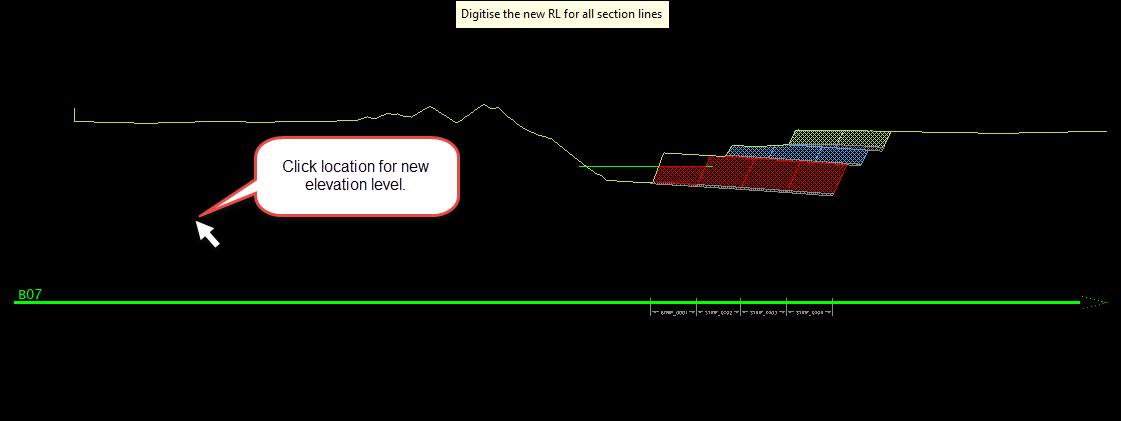
Click on the screen to indicate the new elevation level.
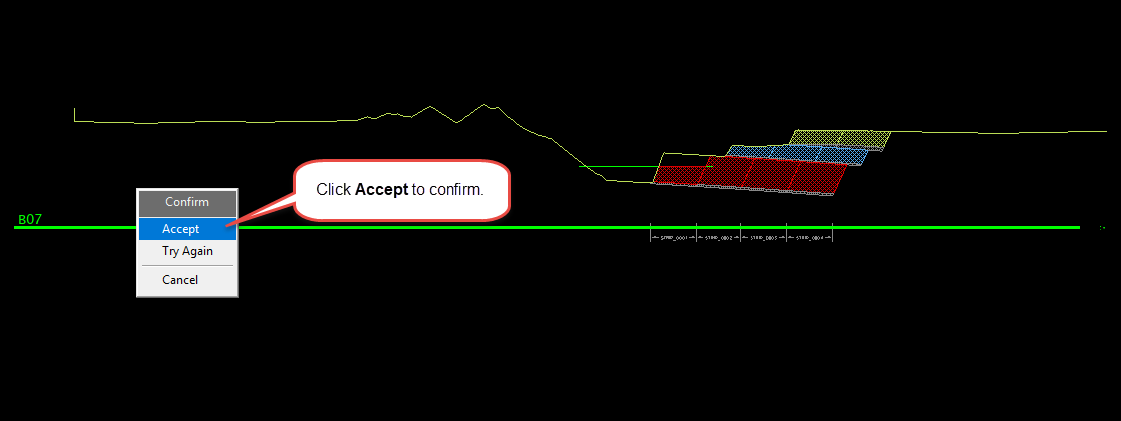
Confirm your selection by clicking Accept. If the confirmation is positive, the operation will end and you will be able to continue with other tasks.
Clicking Try Again will allow you to select another elevation level.
Clicking Cancel will close the option with no changes being made.

