Display Structures
Allows viewing any currently loaded geological structures captured using the Face Mapper > Mapping > Digitise Structure tool as structural symbols and/or orientation halos.
Instructions
On the Face Mapper menu, point to Tools, then click Display Structures.
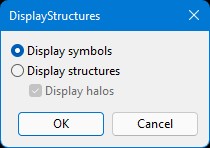
Display symbols
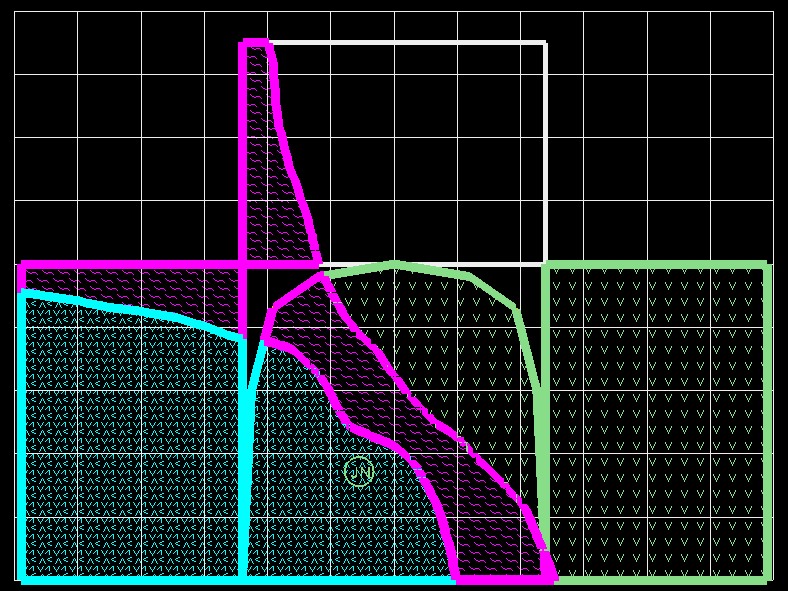
Will display loaded structural measurements using the standard 2-letter Vulcan symbols.
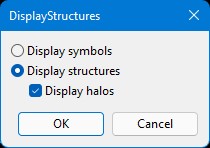
Display structures
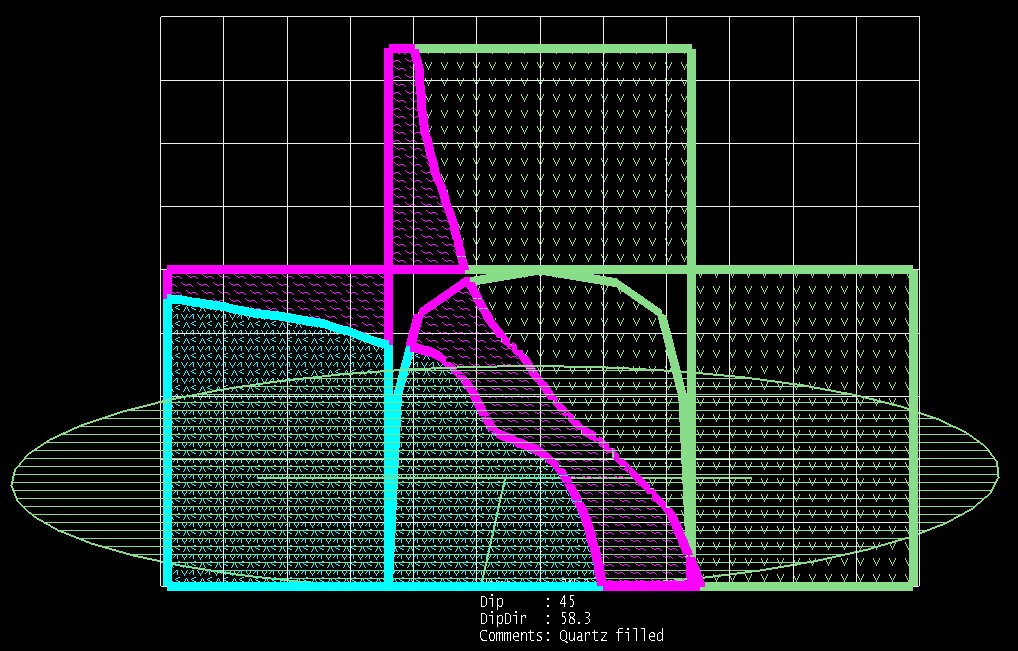
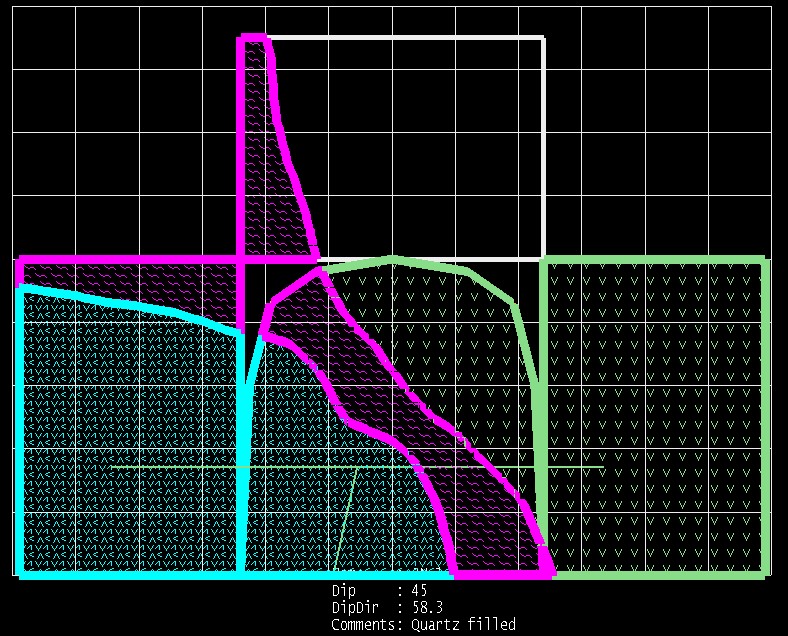
Will display loaded structural measurements as a structural symbol, using the settings defined in the Structures section of the FaceMaper > Setup > Configuration panel.
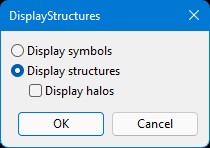
Display halos
Will display loaded structural measurements with both structural symbols and an orientation halo, using the settings defined in the Structures section of the Configuration panel.