

File Menu
Info
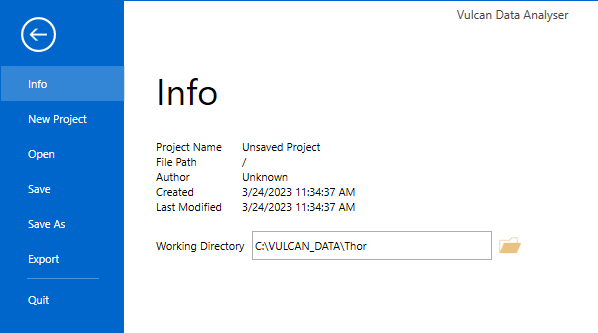
This section contains basic information about the project, such as project name, file path, etc. It also allows you to assign the working directory, which may or may not be the same as that where the project is found.
New Project
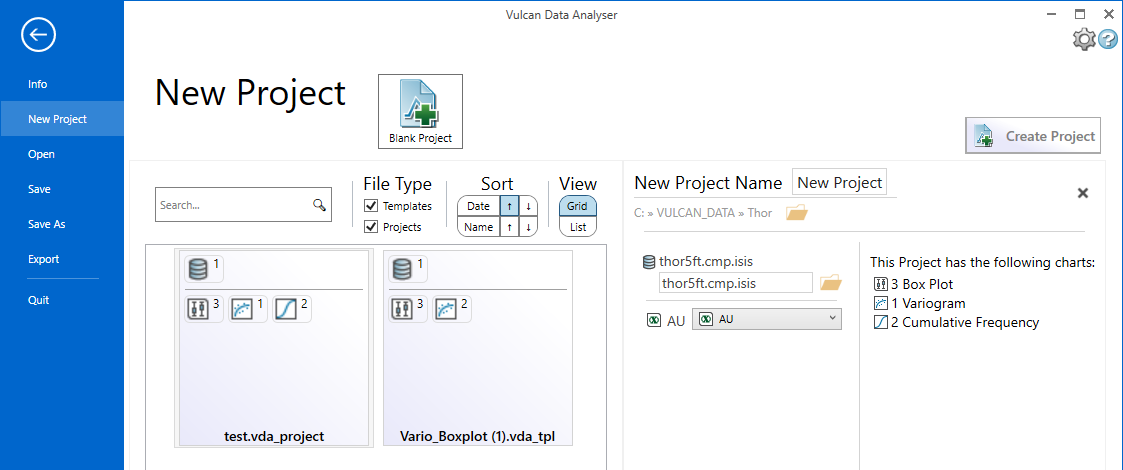
Click Blank Project to start a new project without using a template.
to use a template based on an existing project, click the icon representing the existing project, then make any necessary changes to the project name, data source, and variable mapping.
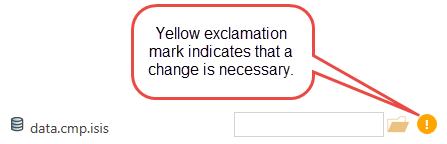
If there is information that is not correct, an exclamation icon will be displayed next to the name where the problem is occurring. The Create Project button will not be available until the error is resolved.
After all corrections have been made, click the Create Project button to create and open the new project using the new template.
Open
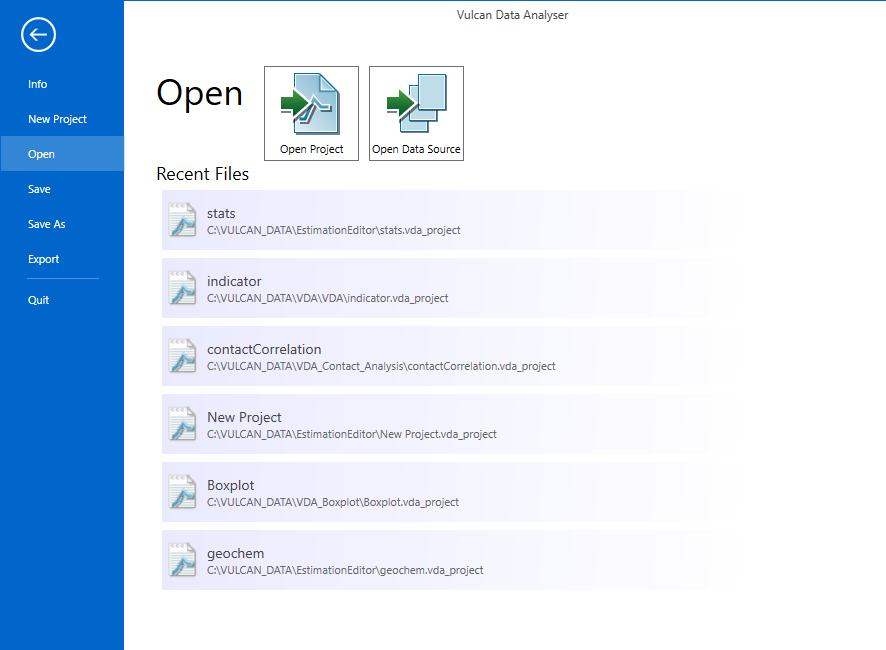
Projects can be opened by clicking on the name or by clicking on the Open Project button and browsing for them.
Save
Use the Explorer window to save your project.
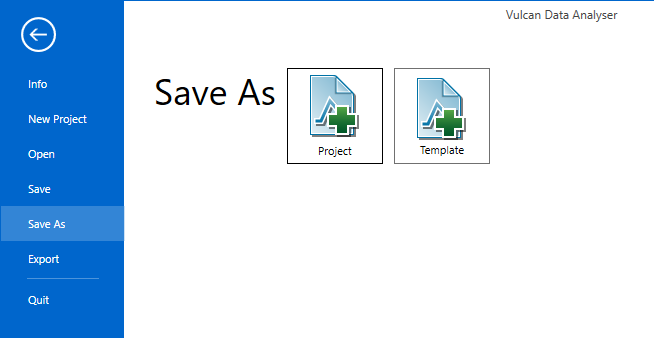
Save As
Save your project as either a new project or as a template.
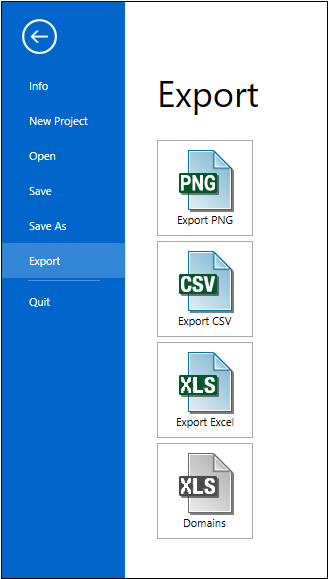
After a database source has been selected, the charts may be exported as PNG files, CSV files, or Excel files.
Quit
Closes Data Analyser
