

Open
Load an Existing Plot File
Use the Open option to load an existing plot file.
Instructions
On the File menu, click Open to display the Open Plot File panel.
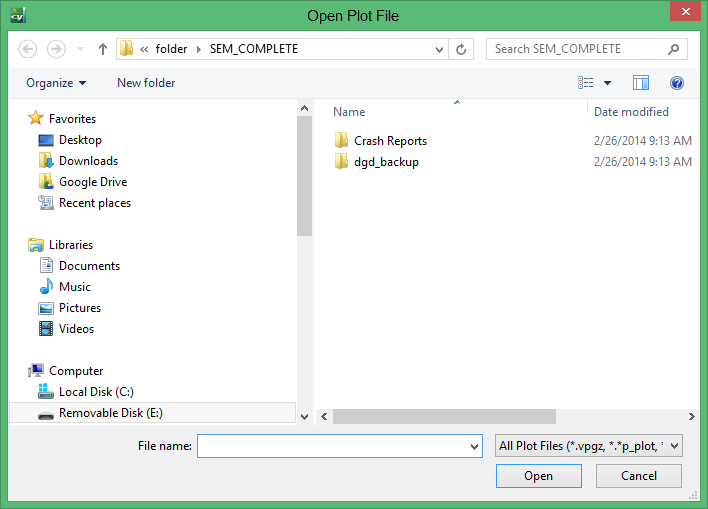
Use the Files of type drop-down list to limit the listed plot files to standard Vulcan plot files, contour plot files and cross section plot files. You can also use the File Name field to limit the list of plot files. For example, typing 'thor*' would limit the list to all of the plot files that began with thor.
The following plot files are supported:
- Compressed plot files (*.vpgz)
- standard Vulcan plot files (*.vpgx, *p_plot, *.dhq, *.00_plot, *.plot)
- Contour plot files (*.*c_plot)
- Cross Section plot files (*.sxq)
- Borehole Graphics hardcopy (*.bgq, *.bhg_plot)
- VULCAN Legacy plot files (*.??q)
Click Open to load the selected plot file.
Was this page helpful?
