

Remove Attributes
Use this option to remove single or multiple attributes from triangulations.
Instructions:
Select the triangulations from the screens.
On the Model menu, point to Triangle Attributes, then click Remove Attributes to display the follow interface.
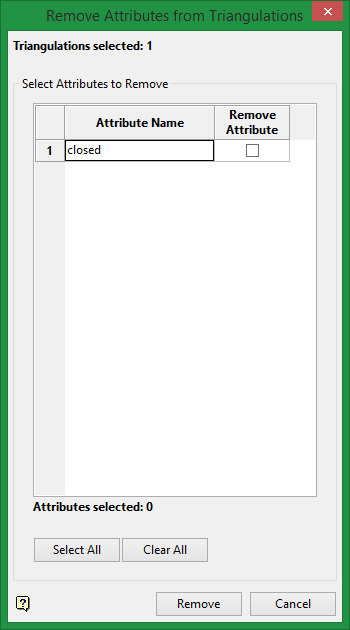
Select the attributes you want to remove by clicking the checkbox in the Remove Attribute column.
Select All
Select all attributes for removal.
Clear All
Clear all selections.
Click the Remove button to remove attributes.
Click Cancel to quit operation without saving changes.
Was this page helpful?
