

Contact Profile Analyser - Save & Run
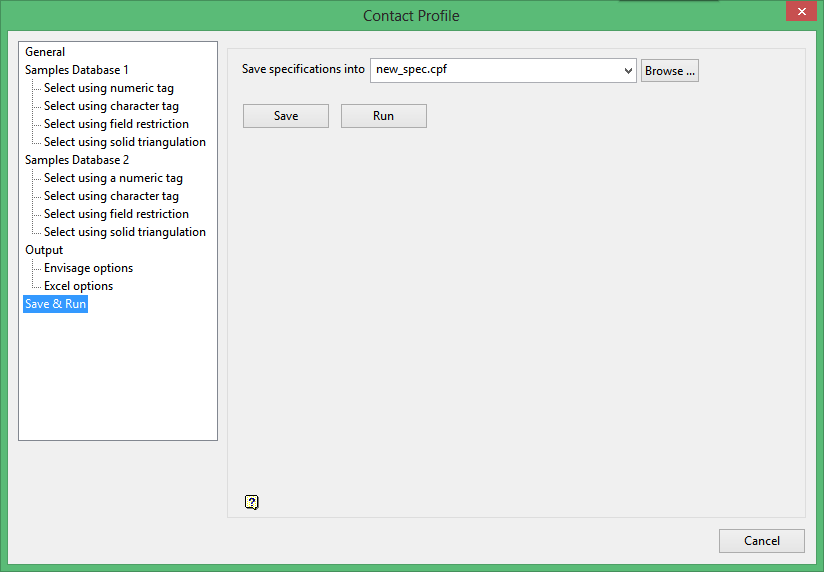
Save specifications into
The name of the currently open Contact Profiles specification file (.cpf) displays.
Enter a new file name to save the specifications to another file, allowing you to retain the values in the original file. The file name, including the .cpf file extension, can be up to 256 alphanumeric characters in length.
If you want to save the specifications to an existing file, then enter the file name. If you select an existing file, then the values in the chosen file will be overwritten with the new specifications.
Press the Save button to save the specifications to the nominated specification file.
Click Run button to run the specified parameters and save the specification to the specification file.
Was this page helpful?
