

Window Settings
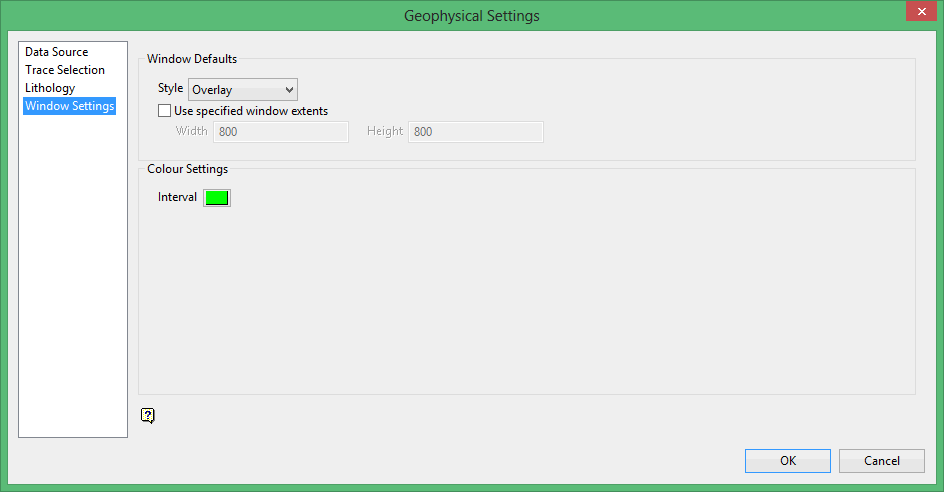
Window Defaults
Style
There are two style options: Overlay and Adjacent Overlay. Overlay will show all active lithologies as overlays. Adjacent Overlay will show active lithologies next to each other.
(image here?)
This option can be toggled using the Toggle button  on the toolbar in the open window.
Use specified window extents
Select this check box if you want to use a window extent other than the standard 800x800.
Colour Settings
Interval
If you click on the edit window, if you want to see a specific interval, it will highlight the interval with the colour you select. When you click on an interval, it will centre the edit window on the interval you clicked and highlight the interval.
Click OK.
Was this page helpful?
