

Polygonal Blast Generation
Use this option to select one or more polygons to evaluate regions of interest using blast samples.
Instructions
Start by loading the specification file you want to work with.
Next, load the samples you want to use in the estimation. The samples can be filtered by region using a triangulation or a polygon defining the area of interest, or by date.
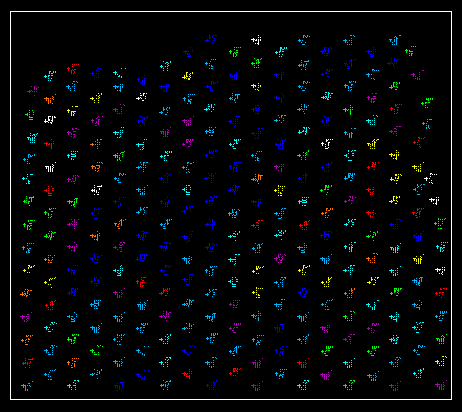
Figure 1: Samples loaded inside boundary polygon the defines the extent of the region of interest.
Note: Filtering the samples by date allows you repeat the process using the same samples. This is particularly helpful for auditing purposes.
On the Grade Control menu, click Polygonal Blast Generation.
You will be asked to define the block model extent polygon. If there is no polygon loaded, you will need to digitise a new one around the region of interest. If a polygon is already loaded, then you will be given a choice to use any existing polygon that is loaded, or digitise a new one.
Figure 2: Digitise a new polygon, or select one from the screen.
A block model is then generated using the parameters already set up in your specification file.
Next, you need to select the polygons that define the extents to the regions you are interesting in. Again, you can use any polygons already loaded within the boundary polygon, or digitise new ones. You may use multiple polygons if needed.
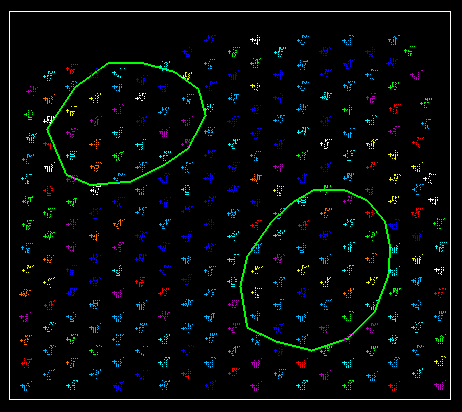
Figure 3: Two polygons outlining the regions of interest.
After the polygons have been selected, the block model is estimated and the results will be displayed.
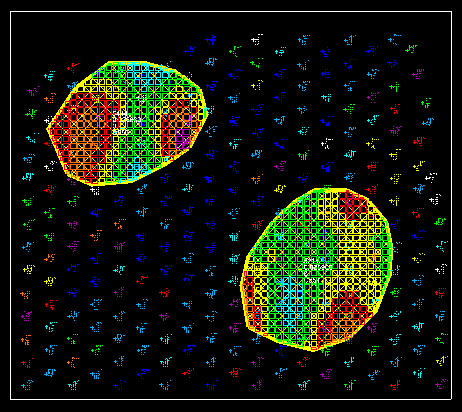
Figure 4: Region within polygons are evaluated and the results displayed.
