

New Blast
Use New Blast to create a new blast in the associated database.
Instructions
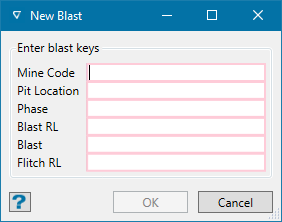
On the Grade Control menu, click New Blast to display the panel below.
Note
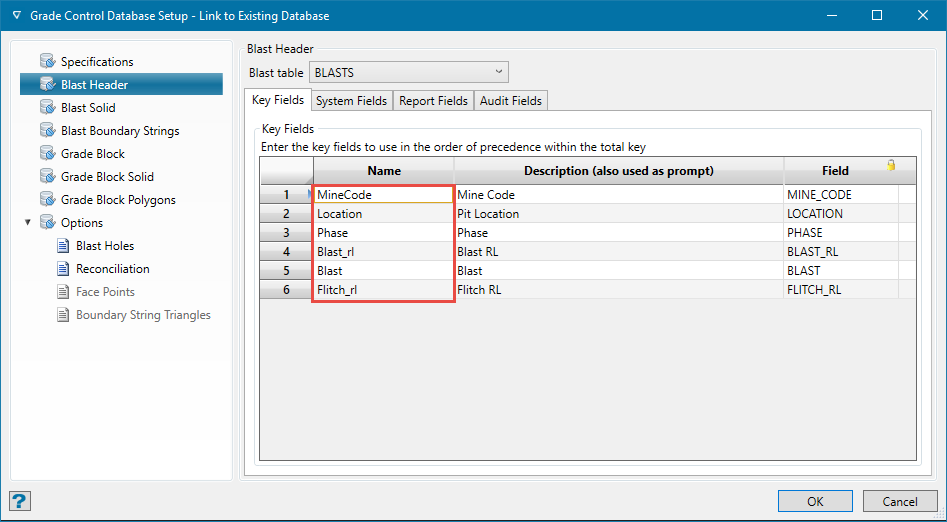
The fields displayed on this panel are set in the Grade Control Database Setup > Blast Header pane.
Enter the information about the blast, then click OK.
A message displays stating that a new blast has been created.
The new blast is given a default name, for example NewBlast, and will not be assigned a unique name until saved through the Save or Save As options.
Was this page helpful?
