

Export Ventsim Design Strings
Instructions
On the File menu, click Export.
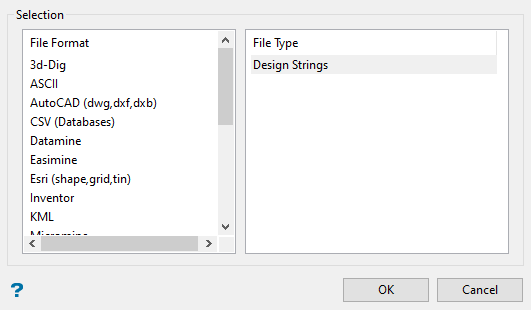
Select the file format and type, then click OK.
Selection
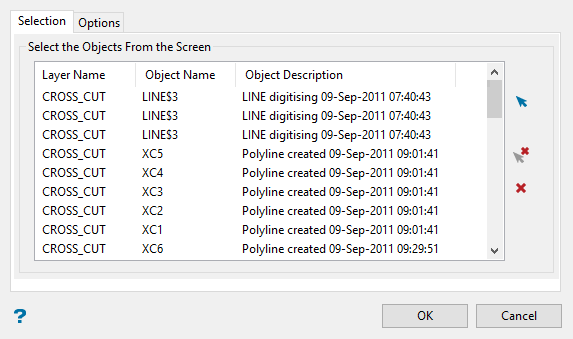
Select the design strings you want to export by clicking the blue arrow and selecting the strings from the screen.
To delete a string from the list, highlight the string, then click the arrow with the small red X.
To clear the list completely, click the red X.
Options
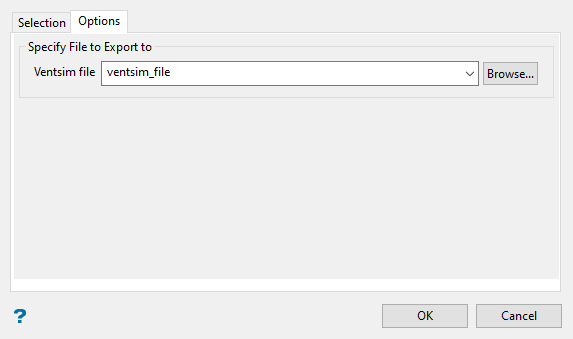
Enter a name for the exported file. You may enter a new name, select a name from the drop-down list, or click the Browse button to select one located outside of your current working directory.
Important: Selecting a name for a file that already exists will cause the new file to overwrite the existing one.
Click OK to export the file and return to the main panel.
Was this page helpful?
