

English Log Generation - Report Setup
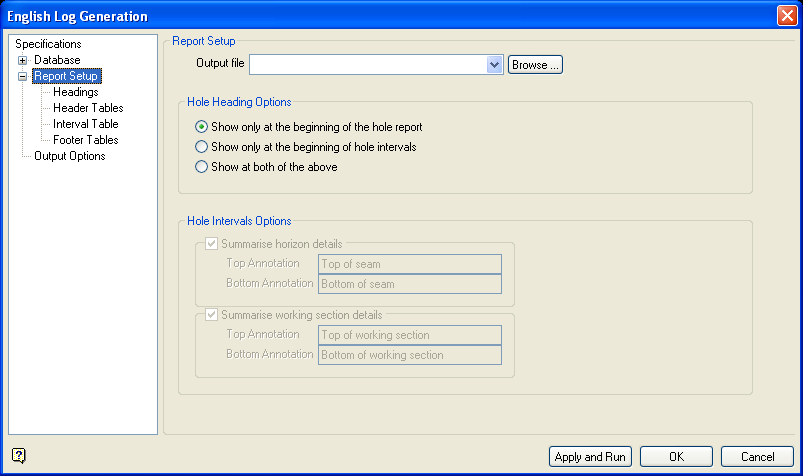
Report Setup
Output file
Specify the name of the file that will be used to store the outputted report. The drop-down list contains all . rpt files found in the current working directory. Click Browse to select a file from another location.
To create a new file, enter the file name and file extension.
Hole Heading Options
Specify where to display the hole heading information, which is specified through the Headings section of the interface. The information can either be displayed above the header block of each hole, below the header block of each hole, or both above and below the header block of each hole.
Hole Intervals Options
Summarise horizon details
Select this check box to include automatically generated information about logged horizons in the output. This information, which is defined through the Schema section, includes the logged horizon name and the intercepted depth.
Summarise working section details
Select this check box to include automatically generated information about logged working sections in the output. This information, which is defined through the Schema section, includes the logged horizon name and the intercepted depth.
Note: The values entered through the available fields will prefix the automatically generated output.
