

Open Specification
Use Open Specification to load or, if applicable, create a Ramp Optimiser specification file (.ros). This file contains all the parameters used to build the solution. For more information, see the Automatic Ramp Overview.
Instructions
The Automatic Ramp option to construct underground ramps between two locations in space. The two locations are joined by an automatically created line that will preserve specified design constraints. These design constraints include the maximum absolute grade, minimum curvature radius, exclusion zones, maximum number of turns, transition grades, connection angles and curvature constraints.
The Automatic Ramp option will test several possible solutions in a defined processing time. The resulting solutions can be ranked using a block model. Once completed, the best solution found will be presented for further refining or for manual editing. The resulting ramp can also be reserved using primitives as well as general or advanced reserves.
On the Underground menu, point to Development, and then click Automatic Ramp to display the Automatic Ramp interface.
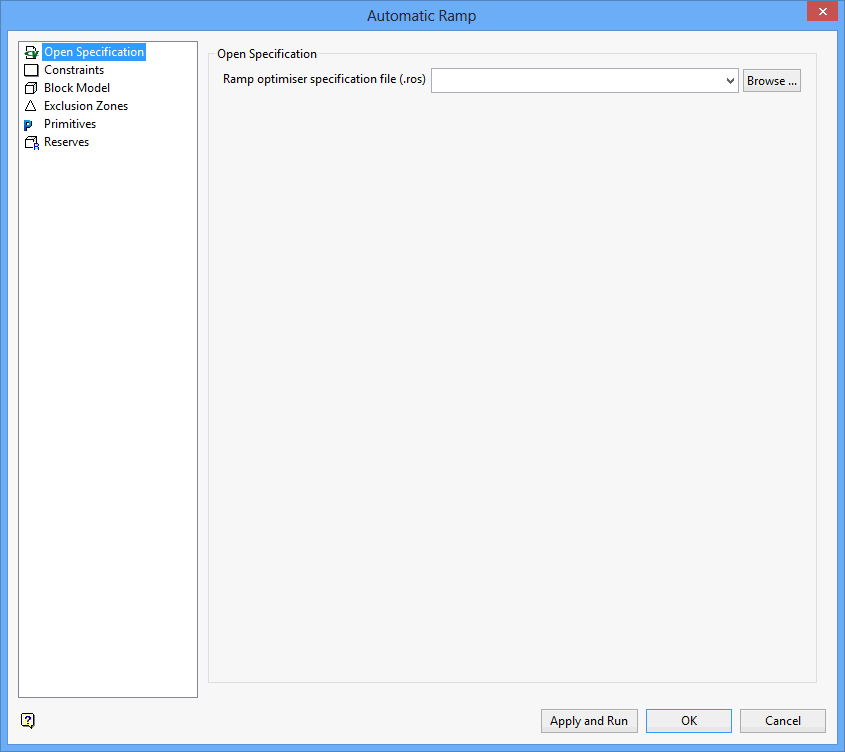
Enter, or select from the drop-down list, the name of the Ramp Optimiser specification file (.ros) that you want to open. The drop-down list contains all of the .ros files found in the current working directory. Click Browse to select a file from another location.
To create a new file, enter the file name and file extension.
