

Export Pitboss
Use the Export Pitboss option to export stratigraphic design string data to Pitboss.
Note: This option requires a single line, that is, the results of a blast, and works best if you use string data created through using the Model > Triangle Utility > Section Profile option.
Instructions
On the File menu, click Export to display the Export panel.
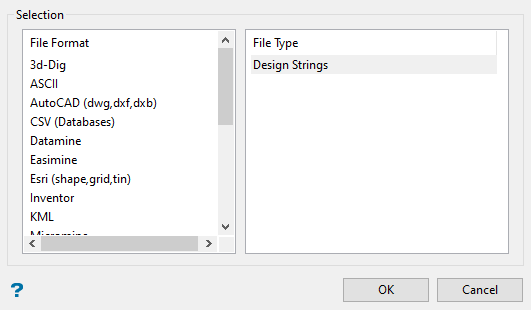
Click Pitboss in the File Format column on the left.
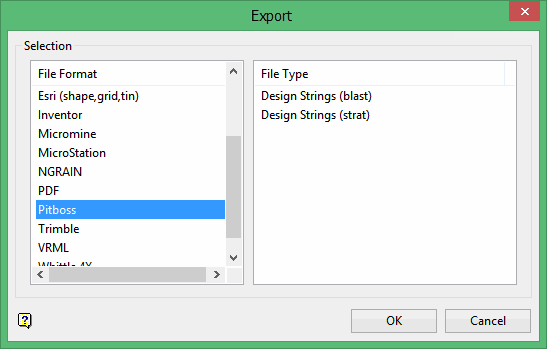
Select your file type (Design Strings (blast) or Design Strings (strat)) from the File Type field on the right side of the panel.
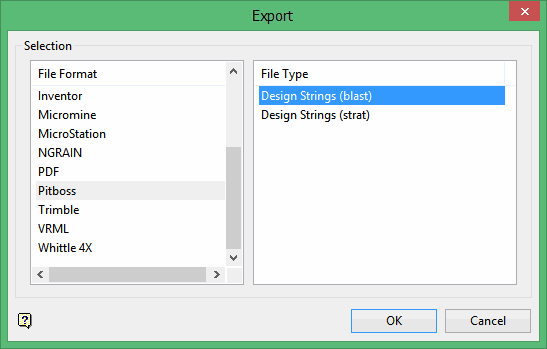
Click OK to display the Export Strat to Pitboss panel.
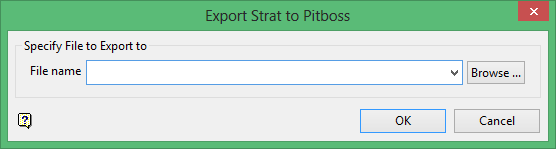
Select the file to export to from the File name drop-down list. To create a new export file, enter the file name. Click Browse to select a file from a different directory.
Click OK.
You will be prompted to indicate the section origin, followed by a profile object. The selected object (results of a blast) will be shadowed.
Note: The size and shape of the symbol used to indicate the origin location is determined through the point settings under the Tools > Preference > Graphics option.
If the file you specified already exists, you will be prompted to confirm that you want to overwrite the existing file. The file is then exported to a Pitboss.hdx file and a confirmation message displays.
