

Display Structures
Allows viewing any currently loaded geological structures captured using the Face Mapper > Mapping > Digitise Structure tool as structural symbols and/or orientation halos.
Instructions
On the Face Mapper menu, point to Tools, then click Display Structures.
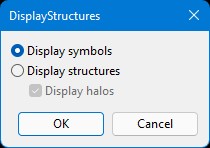
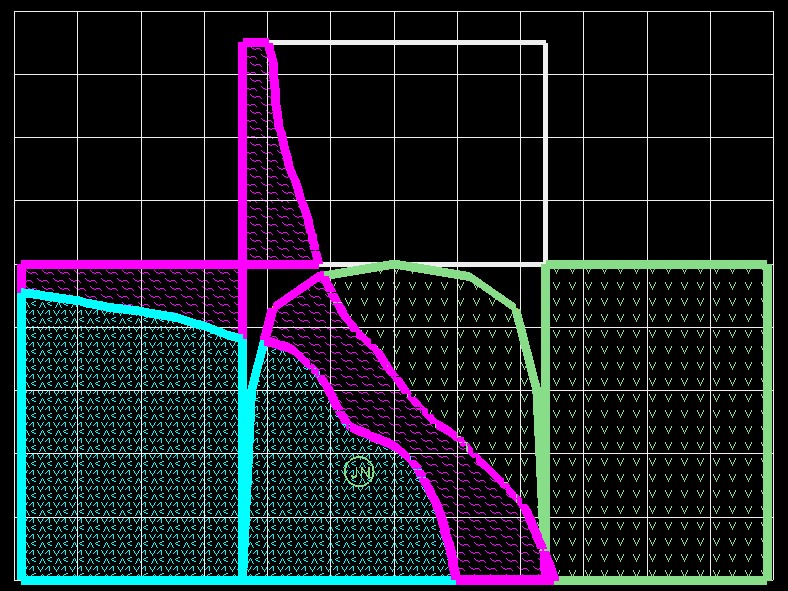
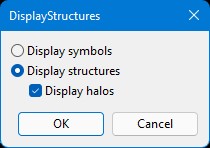
Display symbols
Will display loaded structural measurements using the standard 2-letter Vulcan symbols.
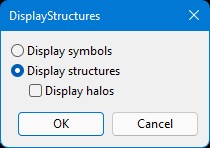
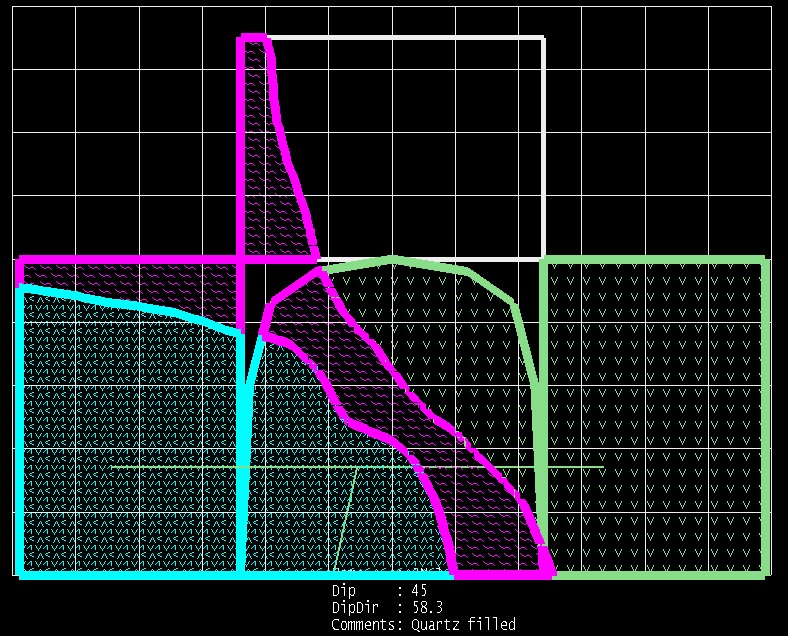
Display structures
Will display loaded structural measurements as a structural symbol, using the settings defined in the Structures section of the FaceMaper > Setup > Configuration panel.
Display halos
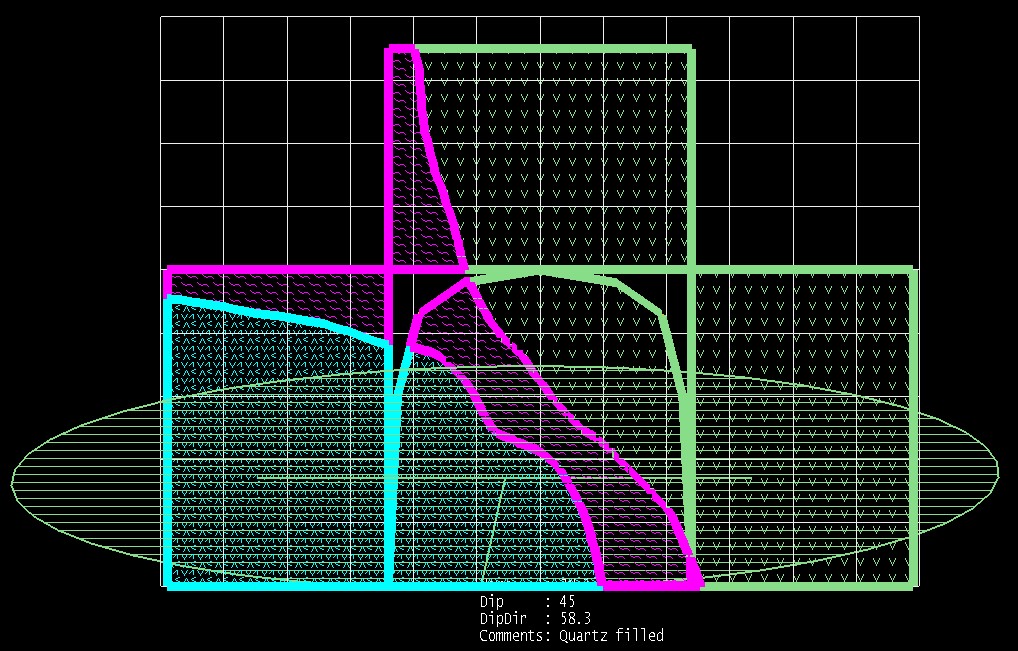
Will display loaded structural measurements with both structural symbols and an orientation halo, using the settings defined in the Structures section of the Configuration panel.
Was this page helpful?
