

Page Setup 
Set Page and Printer Information
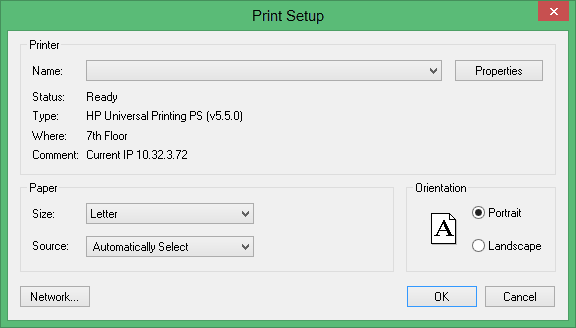
Use the Page Setup option to set the page and printer information, including paper size, paper source, and printer for the currently selected plot. This option uses the standard Windows Page Setup option and panels.
You can also use the Print option, or the Print  button on the Plot Utility and Printer Control toolbars, to specify the page and printer information.
Instructions
On the File menu, click Page Setup to display the Print Setup panel.
Was this page helpful?
