

Notification Center Window
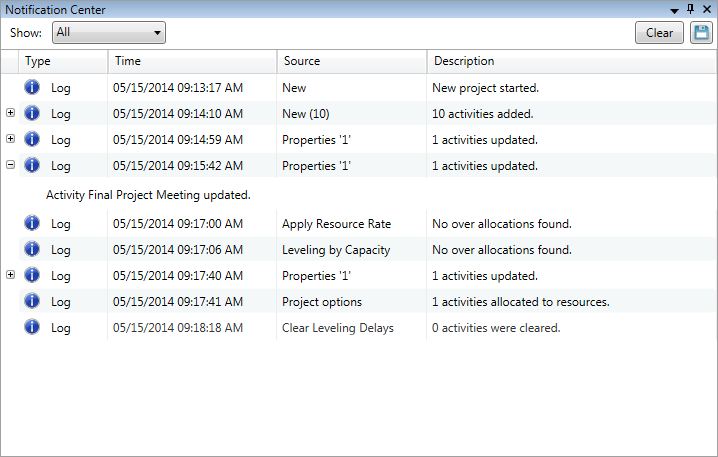
The Notification Center window displays information and notifications regarding actions in the Gantt Scheduler. Notification types include logs, warnings, errors, and resolved issues.
- Select which notification types to display from the Show drop-down list.
- Click Clear
 to clear all notifications from the list.
 - Click the Save
 icon to save all displayed notifications to a text file.
 - Click the Expand
 and Collapse
  icons to view more or less information about a notification.
Was this page helpful?
