

Flag Contact Points
Allows the easy flagging of domain contact points.
Instructions
On the Face Mapper menu, point to Post Processing, then click Flag Contact Points.
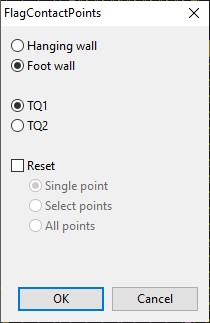
Hanging wall/Foot wall
Select whether to flag hanging wall or foot wall domain contact points.
Domain
Select which domain to flag hanging wall or foot wall contact points for.
Reset
Allows the clearing of previously flagged contact points by either a single point (by selecting the desired point), a selection of points (by digitising a polygon around the desired points), or all points on the chosen mapping polygon (by selecting a polygon).
Instructions – flagging
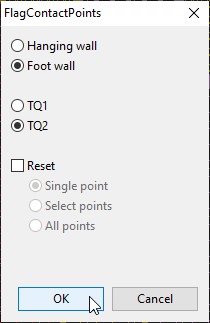
Align into section view of the desired face using the SectionView tool. Select whether to flag hanging wall or foot wall points and the desired domain and then ‘OK’.
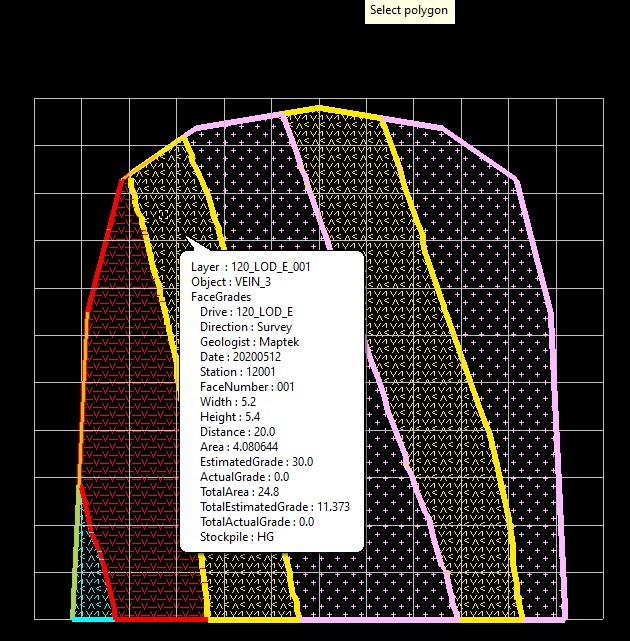
Select the desired polygon to flag contact points on.
Ensure “Indicate” mode is selected from the ‘Digitise’ toolbar, then digitise a polygon around the points of the polygon to flag.
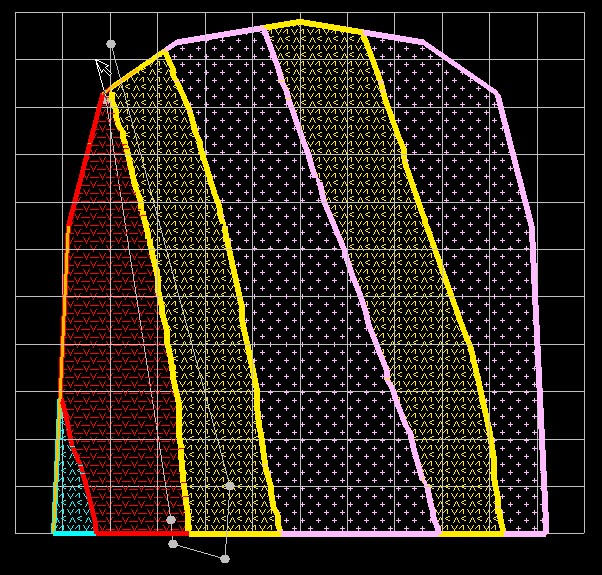
Once finished digitising right-click to close the polygon to flag the selected points with the point name concatenated from the selected domain and “HW” or “FW” (for hanging wall or foot wall, respectively). If happy with the points flagged on screen select ‘Yes’, otherwise selecting ‘No’ will not flag any points and quit the tool.
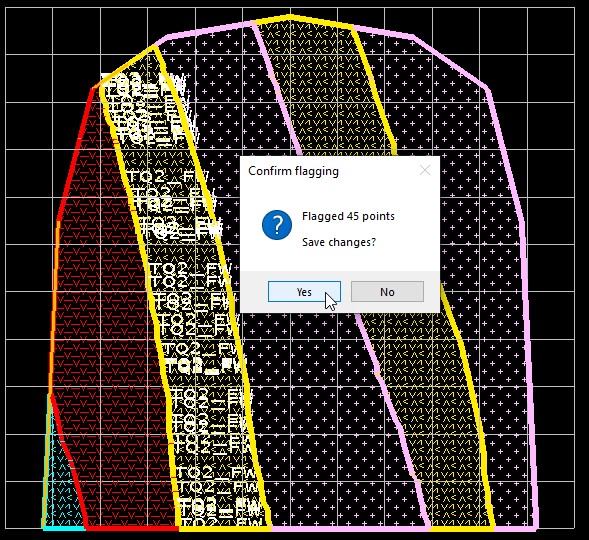
The colour of the labels displayed when flagging contact points can be defined in the Domain names and colour settings for Extract Contact Points settings.
