

Differential Volumes
Calculate Triangulation Volumes
Use the Differential Volumes option to calculate the common and non-common volumes (cut and fill) of two intersecting solid triangulations. The calculated volumes are displayed through the Report Window and can be saved to a nominated text file (.txt).
Instructions
On the Model menu, point to Triangle Solid, and then click Differential Volumes option
You are prompted to select the first solid triangulation, followed by the second solid triangulation. Once the second triangulation has been selected, the common and non-common volumes of the two triangulations are calculated and displayed through the Report Window.
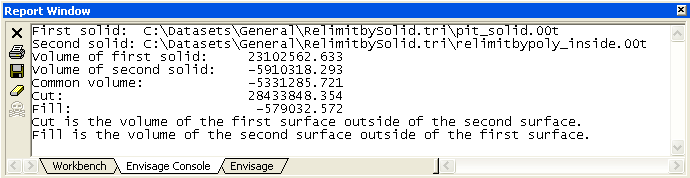
Figure 1: Report Window Output
The Report panel is then displayed. If the selected triangulations solids do not intersect, then a warning message displays instead.
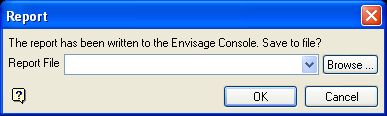
Select the text file (.txt) that will be used to store the resulting report.
Selecting an existing file will require you to confirm that you want to overwrite the file's contents.
To create a new file, enter the file name and file extension.
Click OK.
