

Data Entry Setup
Set data entry defaults
The Data Entry Setup option to specify the defaults for entering new structural information into the structural database.Instructions
- Select Geotech menu
- Select Utilities submenu
- Select Data Entry Setup option
The following panel displays.
The following panel is then displayed.
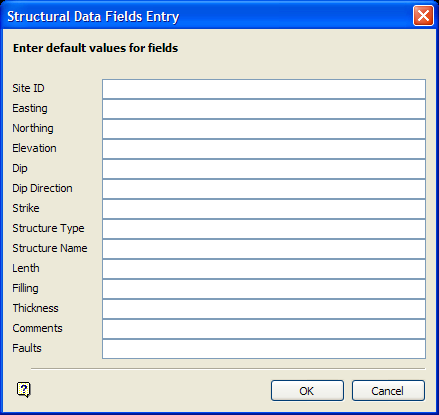
Structural Data Fields Entry panel
Enter the default values for the fields. If you are updating existing records, then any field without a value in the data entry panel will use the default value. Appending new records will cause the default values to be placed in all fields. However, calculated coordinate and orientation information will be placed in the data entry panel based on the object selected or digitised, overwriting any default values.
Select OK.
Was this page helpful?
