

Header to file
Use the Header to file command to export block header information, for example, origin, format, dimensions and defined variables, and store it in a nominated ASCII file.
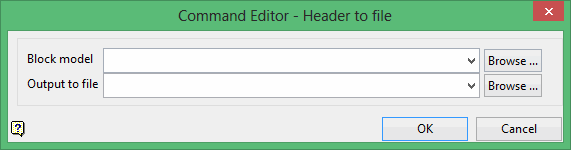
Block model
Select the block model file that contains the desired header information.
The drop-down list contains all block models found within the current working directory. Click Browse to select a file from another location.
Output to file
Enter the name for the file that will be used to store the exported header information. The drop-down list contains all files found in the current working directory. Click Browse to select a file from another location. Selecting an existing file will prompt you to confirm that you want to overwrite the file's original contents.
To create a new file, enter the file name and file extension.
Click OK to add the command and return to the Command Editor panel.
