

Register Face
Allows a face created using the Unregistered face option in Face Mapper > Mapping > Station Section to be registered to the correct 3D location.
Instructions
On the Face Mapper menu, point to Post Processing, then click Register Face.
Firstly load the Design layer that contains the centre line or laser line to register the face to. If a survey station was recorded as a reference, this survey station must exist in one of the defined survey stations layers.
Faces to register can either be selected manually on screen:
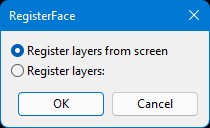
Or from the list of unregistered faces in the currently open dgd:
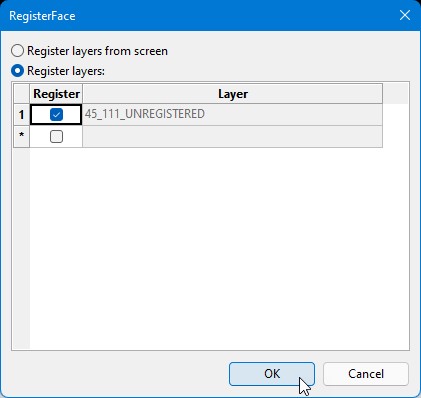
Once the desired face to register has been selected, select the desired centre line(s) or laser line on screen. The face will then be registered to the correct location.
Was this page helpful?
