

Feature Replace
Allows the quick and easy reassignment of a feature to a polygon.
Instructions
On the Face Mapper menu, point to Mapping, then click Feature Replace.
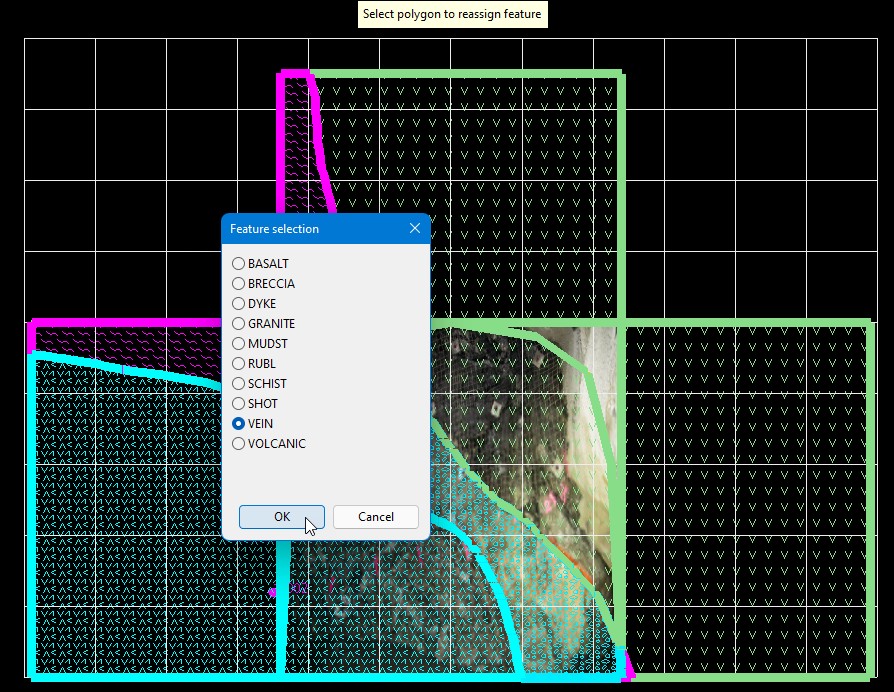
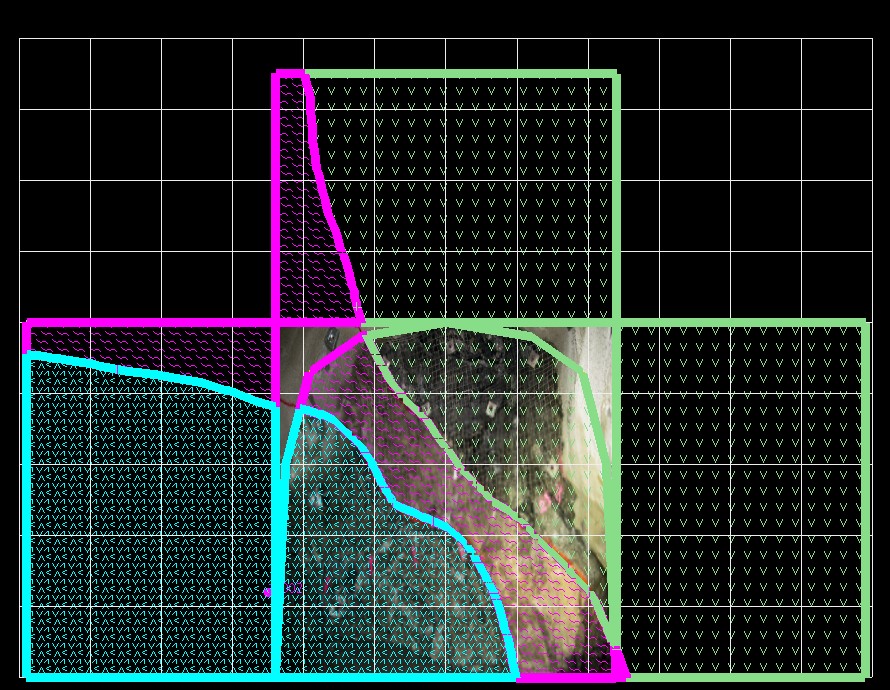
Firstly, select the polygon for which the user wishes to change the feature. The Feature selection panel will then be displayed to allow the user to select the feature to apply to the selected polygon. Once OK is selected the new feature will be applied. The tool is persistent until the user right-clicks out of the tool.
Was this page helpful?
