

Extract Contact Points
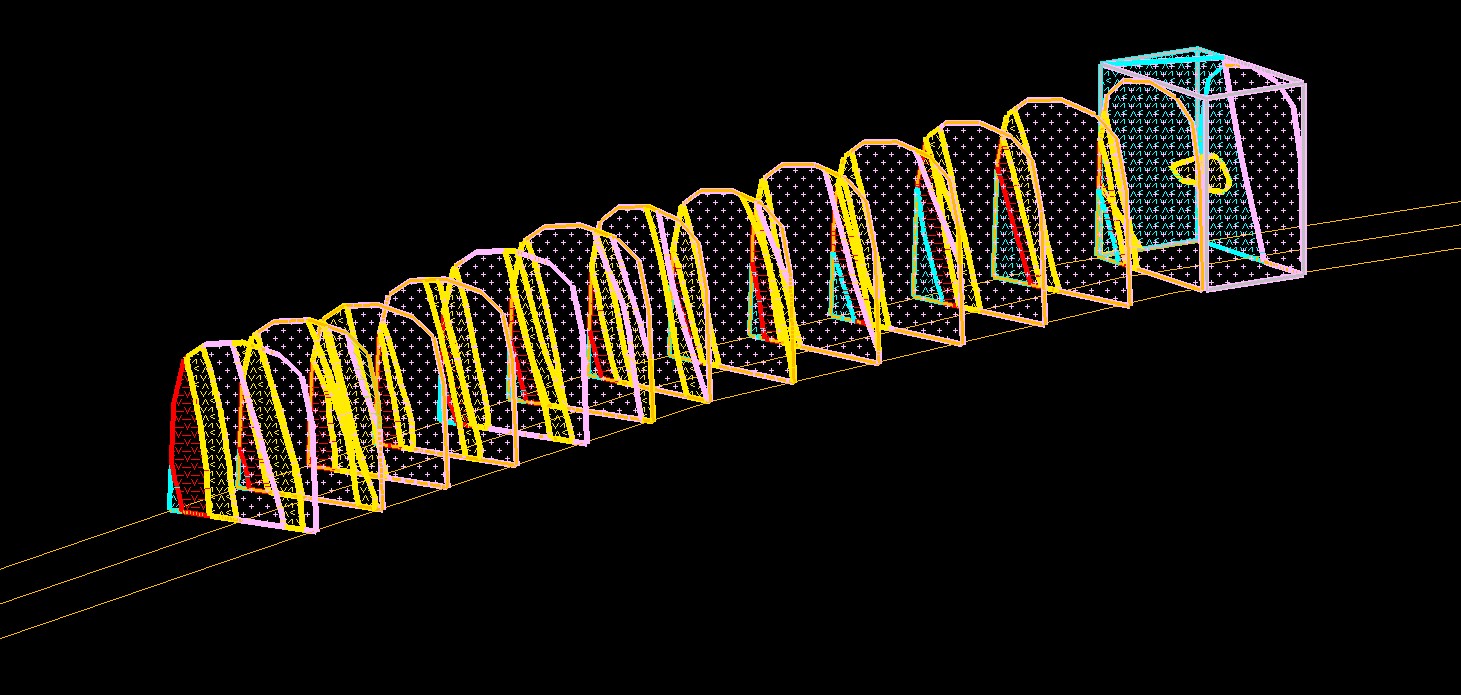
Allows extracting of flagged contact points from face maps currently loaded on screen into separate hanging wall and foot wall layers for each domain.
Instructions
On the Face Mapper menu, point to Post Processing, then click Extract Contact Points.
Load the desired faces on screen from which to extract flagged contact points and run ExtractContactPoints, then select the desired domain(s) to extract points for.
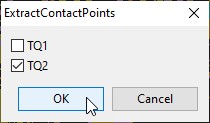
The colour of the points extracted can be defined separately for the hanging wall and foot wall for each domain in the Domain names and colour settings for Extract Contact Points settings.
Was this page helpful?
