

Export Attributes
Export triangulation attributes to csv, MS Excel or text files.
Specification
Triangulations
Options
Attributes
Report
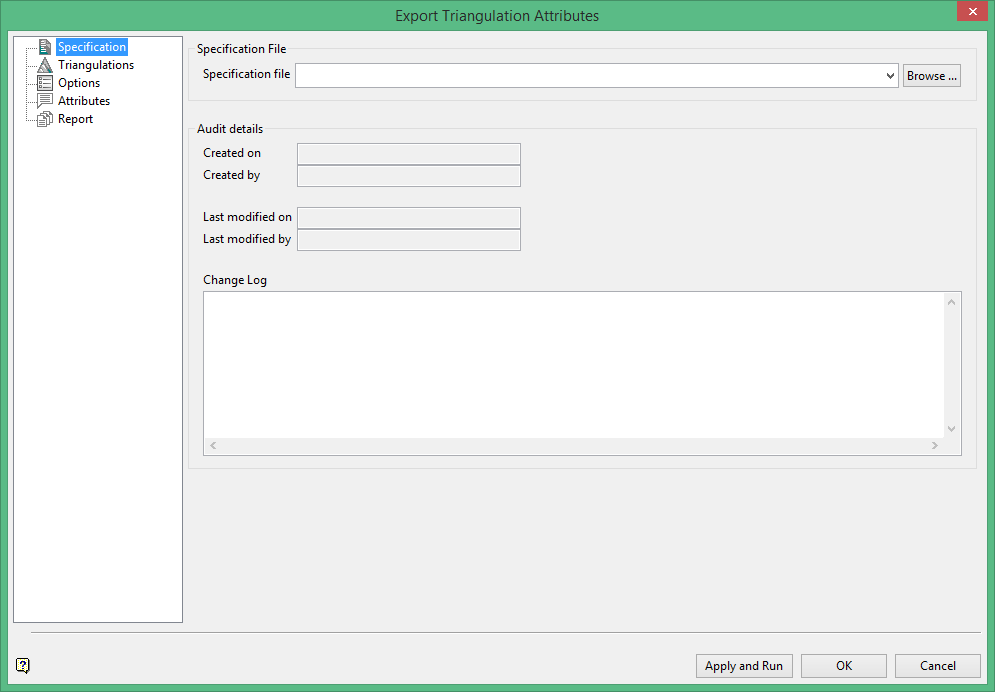
On the Model menu, point to Triangle Attributes, then click Export Attributes to display the following panel.
Specification
Use the drop-down list to select an existing specification file, or enter a new filename. An extension will automatically be added to the filename in the format of <filename>.tri_attr_export_spec.
Audit details
The Audit details are automatically filled in. The date is generated from the computer's date. The authorship is generated from the computer's login information.
Change Log
This field can be edited by the user.
Triangulations
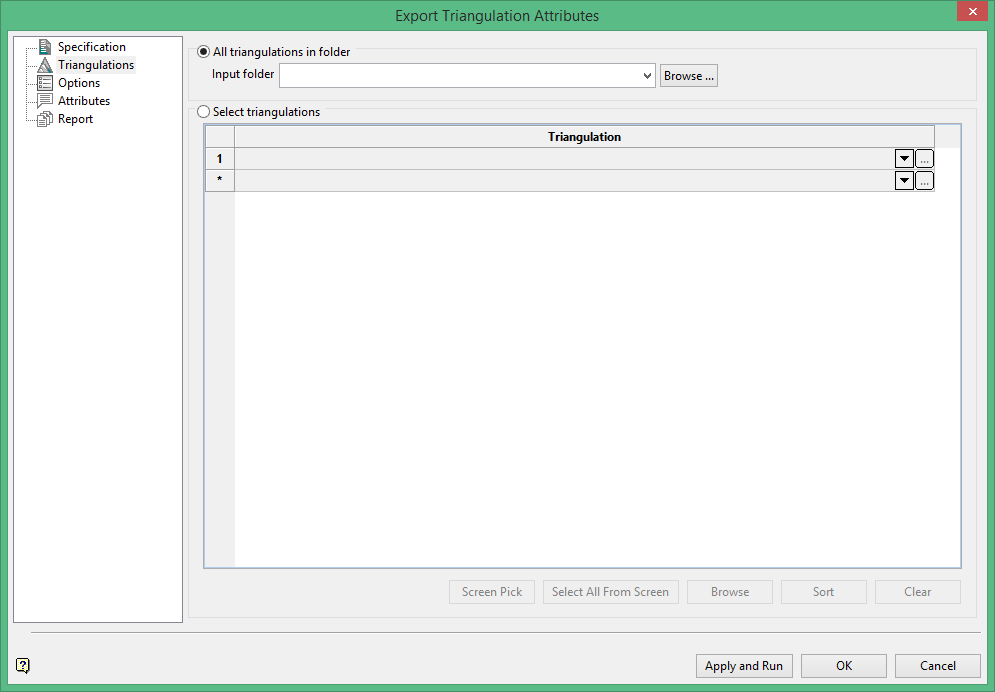
Select the triangulations that you want attributes for. You may select individual triangulations or select entire folders. List triangulation file names by browsing to a folder, selecting from the current project folder or pick from the screen.
Options
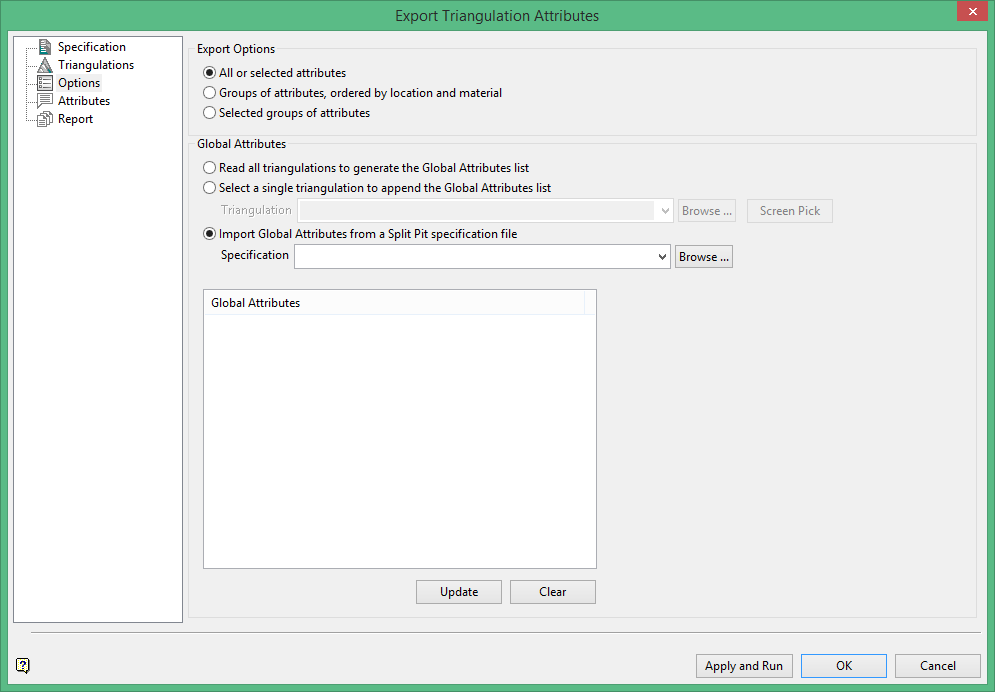
All or selected attributes
All attributes of the selected triangulations are saved in a report file, one triangulation per row.
Groups of attributes
Location attributes are used to identify the block cut by pit, strip, seam, block ID, bench, etc. Material attributes represent material such as waste or product.
Selected groups of attributes
Groups of attributes can be created. Spatial attributes are features such as area, volume or thickness.
When neither export all or group in row options are selected, the report is compiled by the Location, Spatial, Qualities etc. groups, but the output is one triangulation per row.
Global Attributes
When you have made your selections above, click on the  button to generate a list of attributes. A global list of attributes is compiled. The Global Attributes list is always sorted alphabetically.
Attributes
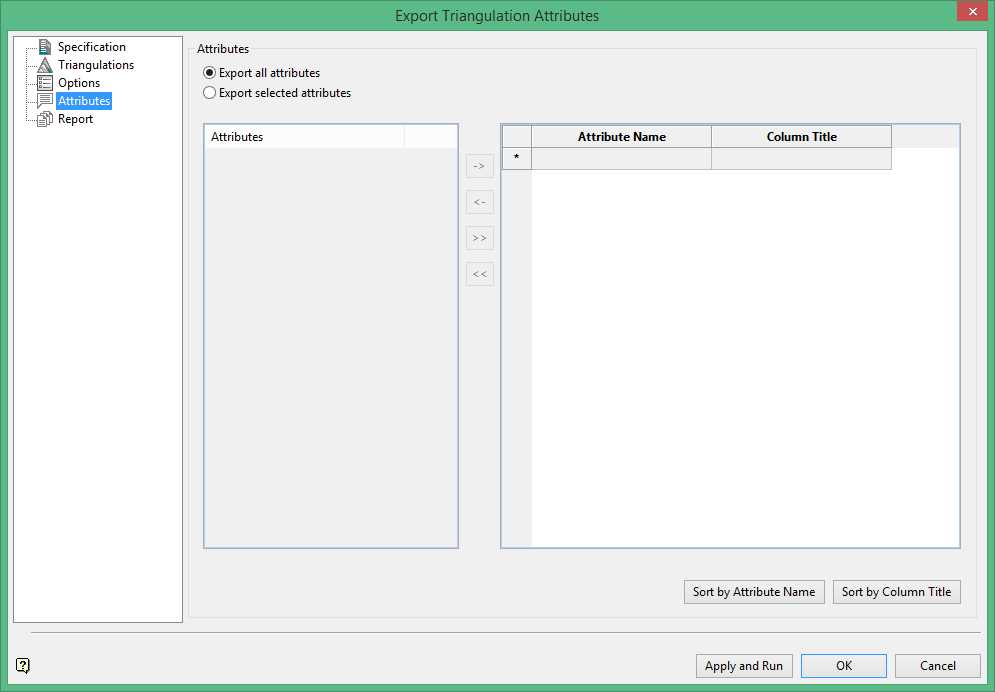
All attributes of the selected on the triangulations panel tab files are saved in a report file, one triangulation per row. When Export selected attributes is selected, you can edit the attribute name by modifying its name in the field under Column Title.
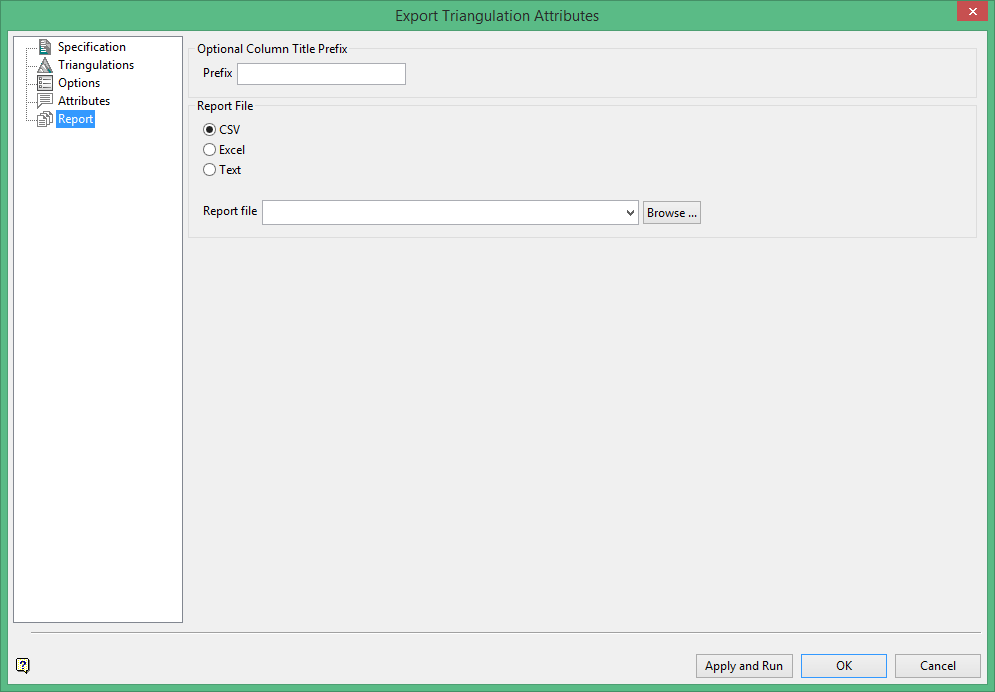
Report
The overall report template is constructed by the selection and order of the attributes groups names. A report file name is required.
