

Create
Set Up Another window
Use the Create option to create windows in addition to the Primary Window. This may be useful when you want to get a different view or edit/create objects without disturbing the objects in the Primary Window.
The parameters of these additional windows are stored in the Windows Parameters file (<proj>.wnd). The extents of the window can be totally outside of the Primary Window or be a selected area in it.
An alternative method of creating windows is provided through the Fit Layer option.
Instructions
On the View menu, point to Windows, and then click Create to display the Coordinate Window panel.
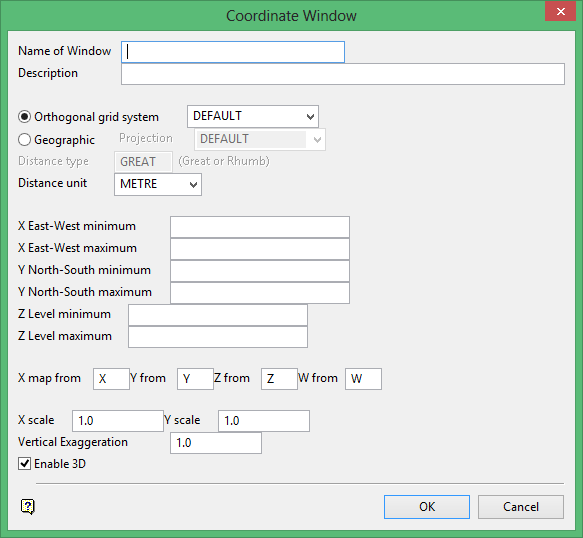
Name of Window
Enter the name of the window (a maximum of 20 alphanumeric characters).
Description
Enter an optional 40 alphanumeric characters description of the window.
Orthogonal grid system
Was this page helpful?
