

Load Specifications
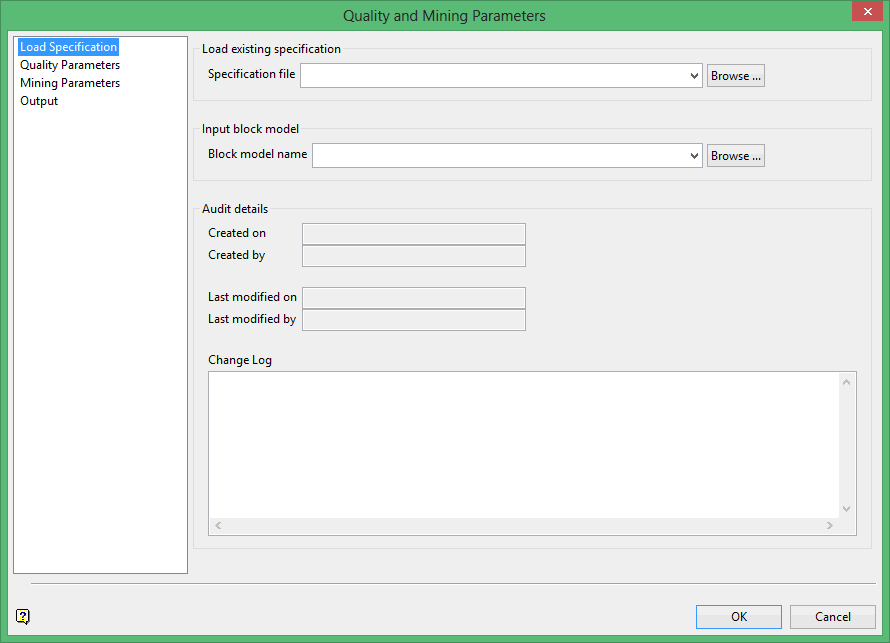
Specification file
If available, select or browse to an existing Quality and Mining Parameters Specification file. These have the extension.rom_parameters. If no specification file exists, there will be an opportunity to save panel configurations to a new specification file on the Output subpanel. See Output below.
Block model name
Select the stratigraphic block model. The selected block model should be the same model which will be input into Grid Calc > Integrated Stratigraphic Modelling > Run of Mine Model to create a run of mine model.
It is recommended that only HARP style block models created using the Grid Calc > Integrated Stratigraphic Modelling > Create HARP Model are used when creating run of mine models with this option.
Audit details and Change Log
Audit details are automatically populated when the specification is created. The details will update each time the specification is run. Enter pertinent details of a particular specification run in the Change Log area. Entries are saved in the specification file for auditing purposes.
