

Delete Estimation ID
Use the Delete Estimation ID option to remove sets of estimation parameters that are no longer in use. This is recommended because over time the parameter files may become overly full of estimation parameters.
Instructions
On the Block menu, point to Grade Estimation, and then click Delete Estimation ID to display the Estimation Parameter File panel.
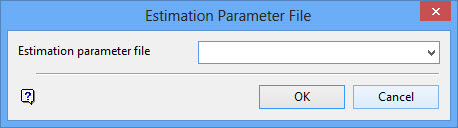
Estimation parameter file
Enter, or select from the drop-down list, the name ( <name> ) part of the parameter file. The full name is <proj><name>.bef.
Click OK.
The following panel is then displayed.
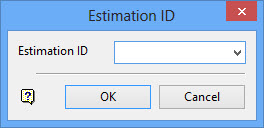
Enter the estimation identifier, or select it from the drop-down list.
Click OK.
Confirm the removal.
Was this page helpful?
