

Export model to ASCII
Use the Export model to ASCII command to export block values to a nominated ASCII file.
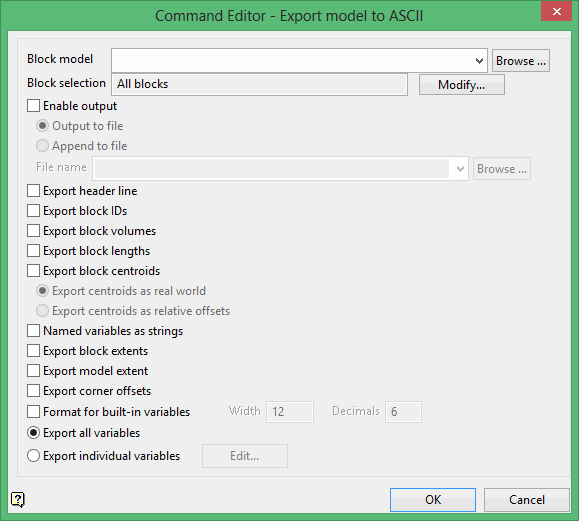
Block model
Select the block model that you want to export.
The drop-down list contains all block models found within the current working directory. Click Browse to select a file from another location.
Block selection
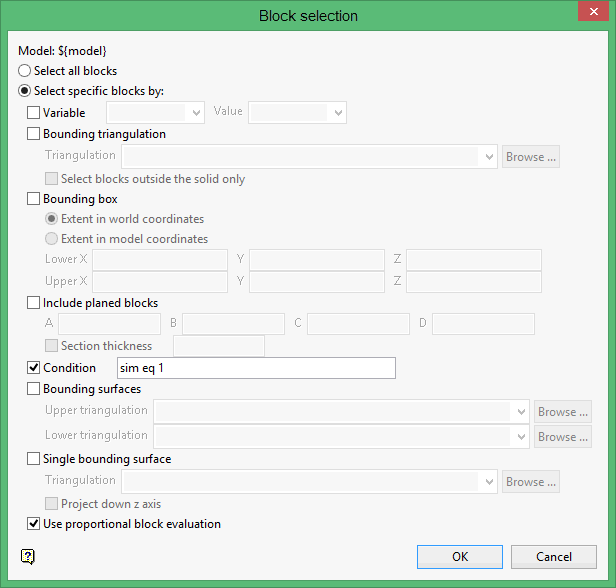
Select the Modify option to configure the selection criteria that will be used to select the necessary blocks. Once selected, the Block Selection panel will be displayed.
Was this page helpful?
