Run Script
Use the Run Script command to perform calculations on a block model according to the contents of a nominated script file (.bcf). A script contains a list of conditions/expressions. Executing the script applies these conditions and expressions to each block in the selected block model.
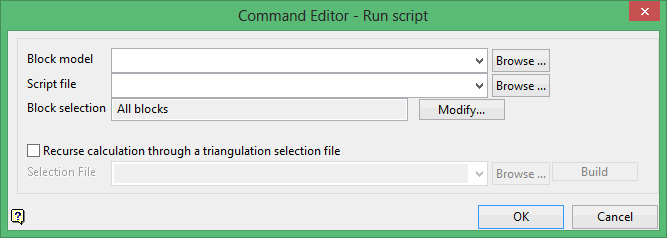
Block model
Select the block model that you want to perform the calculations on.
The drop-down list contains all block models found within the current working directory. Click Browse to select a file from another location.
The results of the calculation will be stored in the chosen block model file.
Script file
Select the script file (.bcf) that you want to use.
The drop-down list contains all .bcf files found within your current working directory. Click Browse to select a file from another location.
Block selection
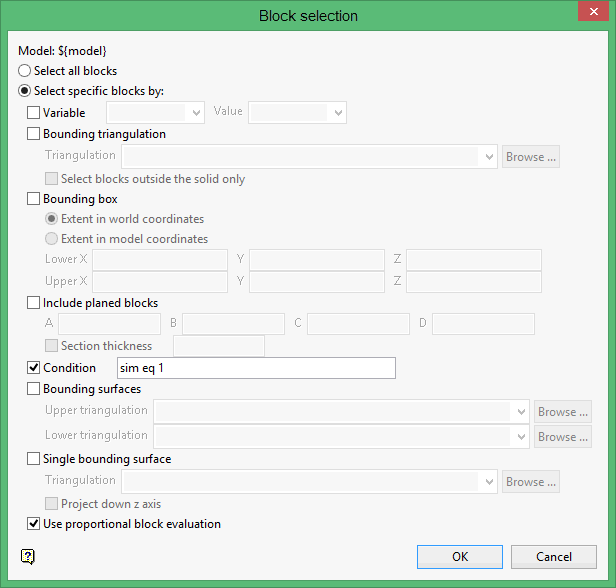
Select the Modify option to configure the selection criteria that will be used to select the necessary blocks. Once selected, the Block Selection panel will be displayed.