

Connect
Connect Two Points with a Line
Use the Connect option to connect a nominated point to adjacent points in the same object. Adjacent points are the points that precede or follow the nominated point in the digitised sequence. Start and end points of a string are also considered to be adjacent.
This option can also be accessed by selecting the Connect button from the Sequence toolbar. The Sequence toolbar is a "sub toolbar" and can either be accessed through the Modify toolbar or through using the Tools > Toolbar Visibility option.
Instructions
On the Model menu, point to Contouring, and then click Connect.
Select the object that contains the points that you want to connect.
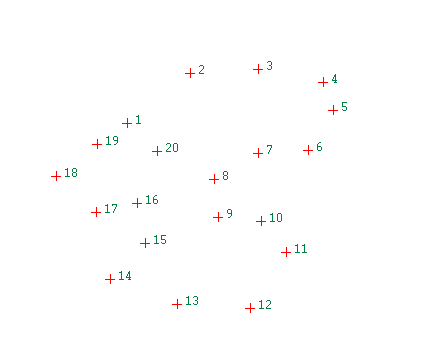
Figure 1: The Original Object
Select the required point. It is connected to any unconnected adjacent point. Select further points to connect.
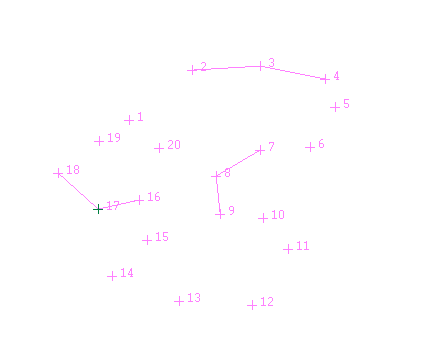
Figure 2: Connecting the Points
Cancel to when you have finished connecting points.
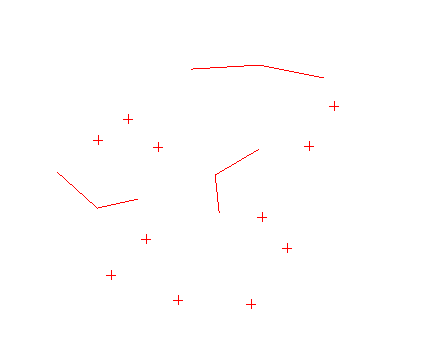
Figure 3: The Resultant Object
