

Set Up Display
Use the Set Up Display option to modify the <DISPLAYID>_DISPLAY section of the .smp file. This section defines how the samples are to be displayed when they are being loaded.
Instructions
On the Geology menu, point to Sampling, and then click Set Up Display to display the Setup Display panel.
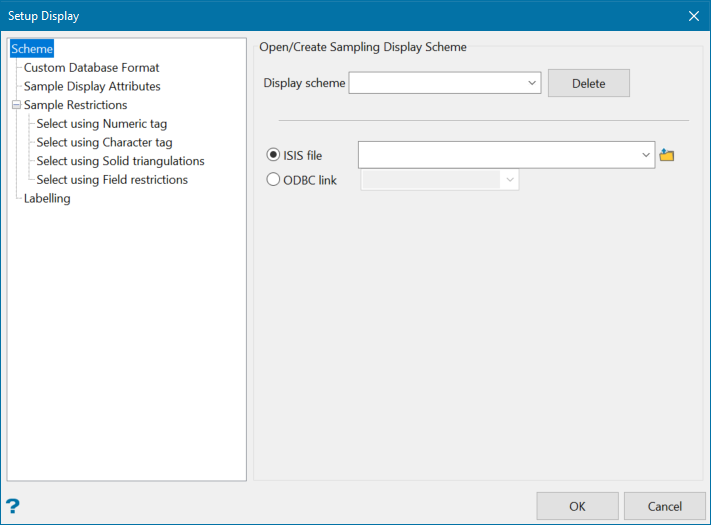
Display scheme
Enter, or select from the drop-down list, the display scheme that you want to configure. The drop-down list contains all schemes in your file (. smp). Click Delete to delete an existing scheme.
Isis File
Select this option to nominate an Isis database. The drop-down list contains all Isis database files in your current working directory. Click Browse to select a file from another location.
ODBC Link
Select this option to nominate an ODBC database. Select the design name from the drop-down list.
