Save and Load Variogram Properties
This feature allows you to import, export, copy, and paste variogram parameters for different variogram charts.
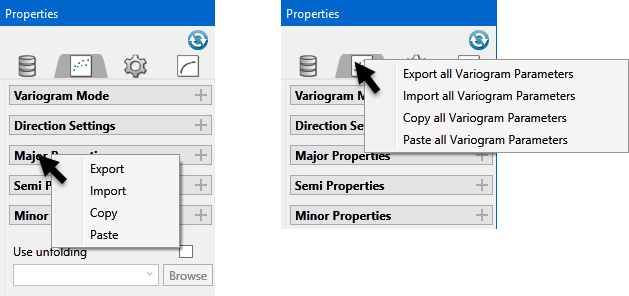
This feature allows you to import, export, copy, and paste variogram parameters for different variogram charts. You can export (or copy) one or more parameters and, under certain conditions, import (or paste) one or more parameters. These options are available by right-clicking the parameters expander related to them for individual parameters or right-clicking the Variogram Properties tab.
A set of Variogram Parameters consist of the following fields:
-
Direction Type { Directional, Omni-Directional, Down Hole}Azimuth
-
Dip
-
Plunge
-
Search Radius
-
Lag Size
-
Lag Offset
-
Lag Tolerance
-
Cone Tolerance
-
Azimuth Tolerance
-
Dip Tolerance
-
Plunge Tolerance
-
Horizontal Tolerance
-
Vertical Tolerance
Import Options
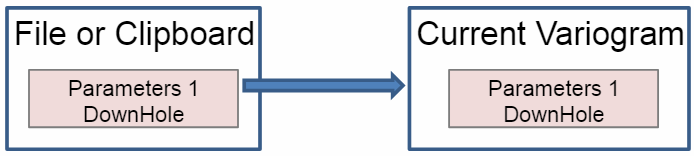
One to One
It must have the same direction type.
It pastes all the parameters.
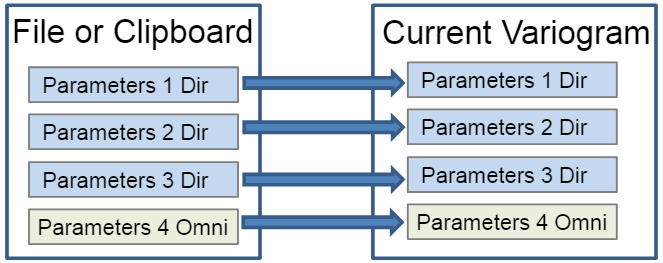
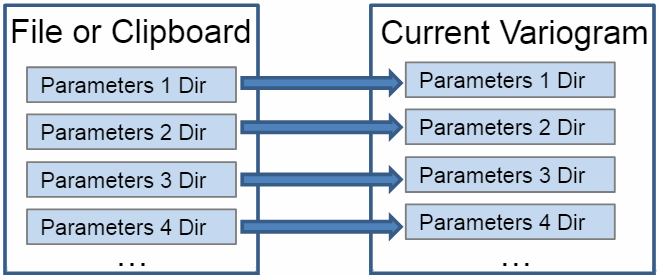
Many to Many
It must be the same number of parameters and with the same direction type.
Copies all parameters.
Works like an iterative One to One.
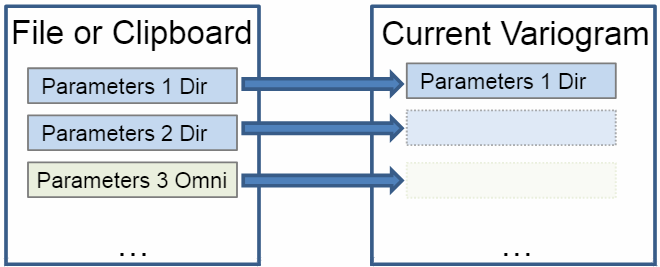
One to Many
Not necessarily the same direction type.
Pastes all parameters except for direction type, azimuth, dip, and plunge into all current variograms.
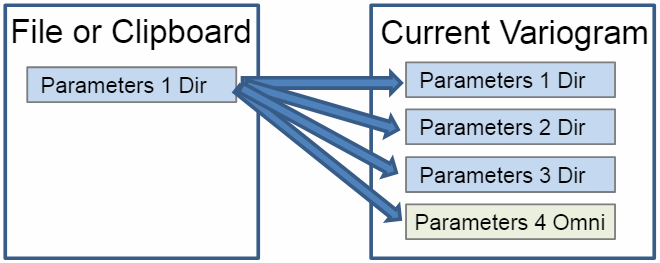
Many to Many (Specific cases)
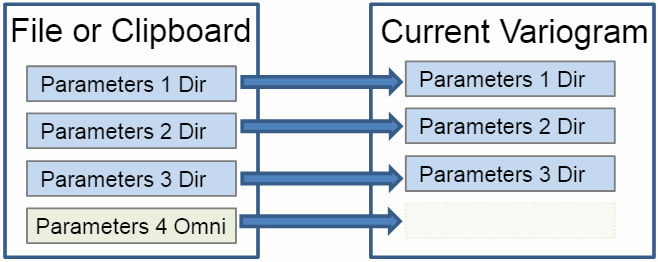
Orthogonal Variogram and New Orthogonal
3 directional and an optional omni-directional or downhole.
Copies all parameters.
If the current Orthogonal includes an omni-directional or downhole, it is removed and the new fourth variogram is added in its place, if the file or clipboard parameters do not include a fourth variogram, then the current fourth variogram will remain as it is.
New Fan Variogram
All imported variograms must be directional.
Only accepts a pair number (greater than two) and all variograms have a common plane. The number of imported variograms becomes the variogram steps.
New Variogram and New Cross Variogram
There can be only one omni-directional and one downhole. The corresponding options will be automatically enabled as needed (for example, if an omni-directional is imported, then the omni-directional options gets enabled).
If importing only one directional parameter, that parameter will be added as a single direction and this option will be enabled.
If importing multiple directional parameters, those parameters will be added to the Direction Grid and the multi-direction option will be enabled.