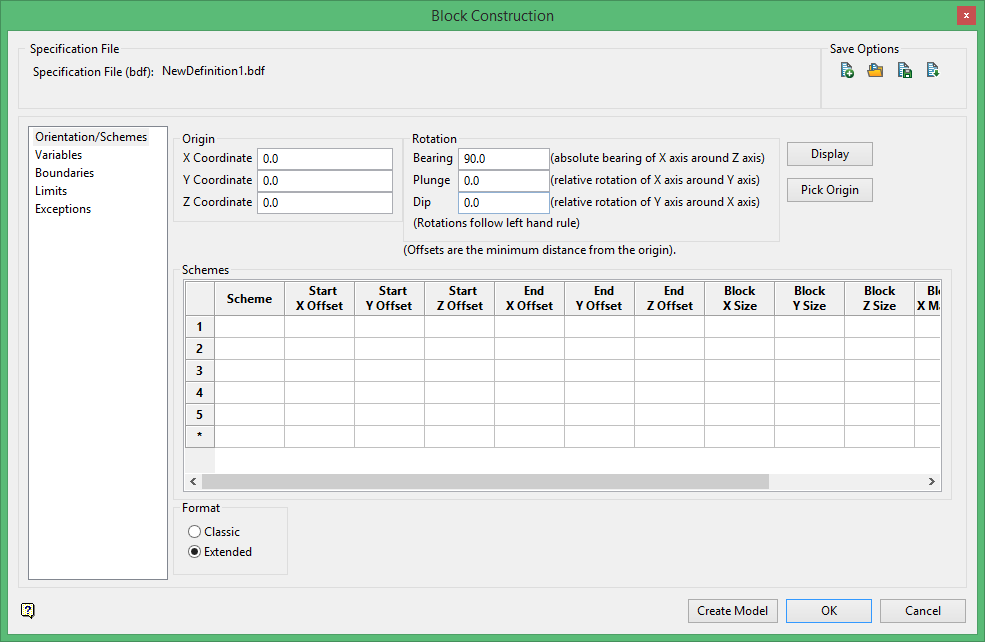
Tutorial - Opening a Block Model Parameter File
There are five files associated with a block model:
| .bmf | The block model file itself. |
| .bdf | The block definition file containing all the parameters defining the block model. |
| .bef | The block estimation file that contains the calculation parameters. |
| .ber | The estimation run file. |
| .bcf | The block calculation file that contains customized scripts. |
All of these files are especially useful in the event of audits or documentation. However, this tutorial will deal exclusively with the block definition file (.bdf), the parameter file that defines a block model. Opening a block definition file is useful if you need to make edits to a block model, repeat the construction of an existing block model, or view the details of a block model's construction for documentation purposes.
To begin, navigate to Block > Construction > Open Definition... This will open up a window into the current project folder showing all block models available for viewing.
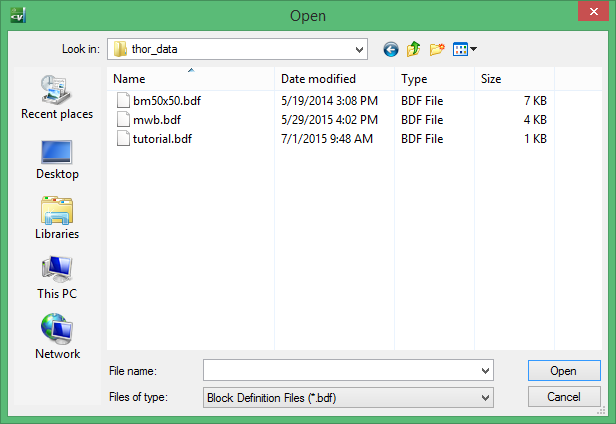
Select the file bm50x50.bdf and click  . This will open up the Block Construction panel as shown below. This is the block definition file. It contains the coordinates of the block model, orientation information, list of variables, block sizes, roles of various triangulations and more. For a complete explanation of all the attributes of the block definition file please refer to Related topics at the bottom of this page.