

Create Bench Plan
Grade Block Data
Instructions
On the Grade Control menu, click Create Bench Plan to display the Blast Selection Parameters panel.
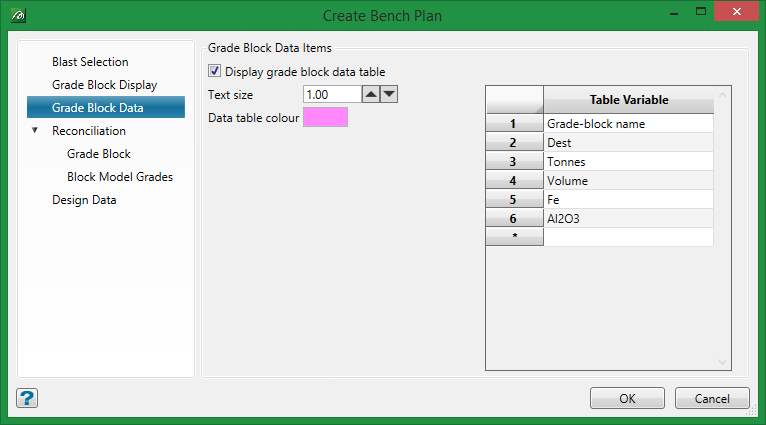
Display grade block data table
Select this option to display an information table beside the grade block in the workspace. Use the formatting controls to choose the size and colour.
Table Variable
Use the drop-down list to select the variables that will appear in the data table.
Was this page helpful?
