

Blocks
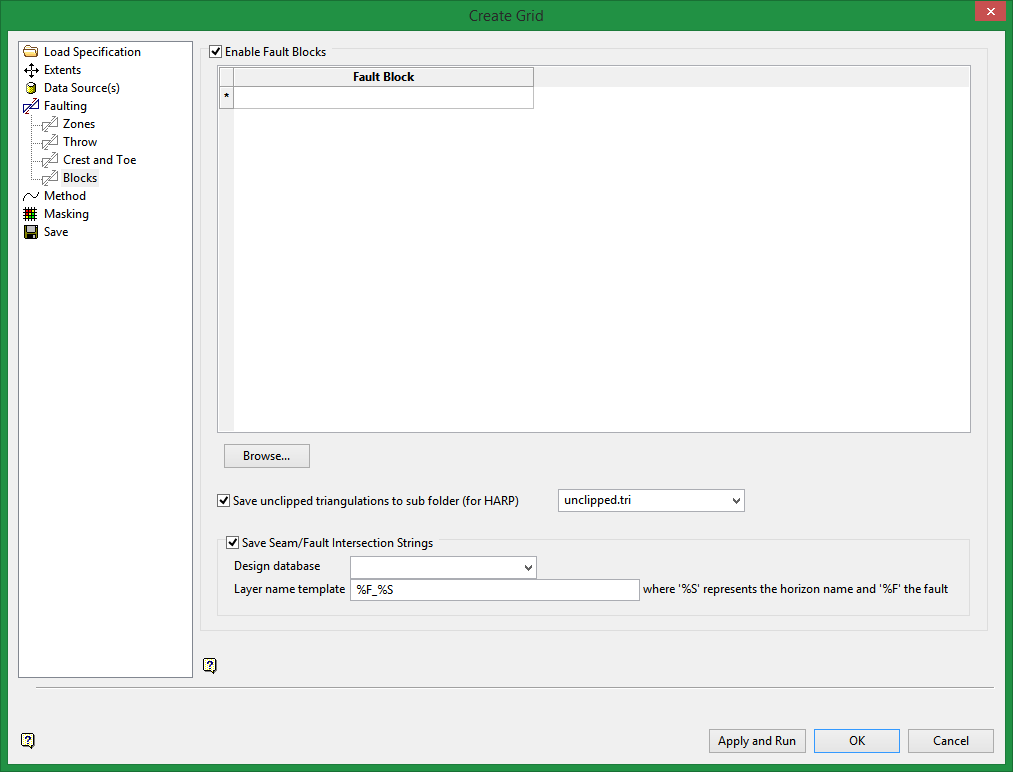
Enable Fault Blocks
Select this check box if you want to use existing solid triangulations to define three-dimensional fault zones.To use a triangulation from an existing triangulation database, click Browse to locate the applicable triangulation database connection file (.tri). Once found, double-click on the file to display the Select Triangulation panel.
Click on the desired triangulation and then click OK.
The Input from existing map file check box, which is located under the Data Source(s) section, must be selected in order to access the available block faulting functionality. If this check box has not been selected, then all options displayed through the Blocks section will be disabled, i.e. unavailable.
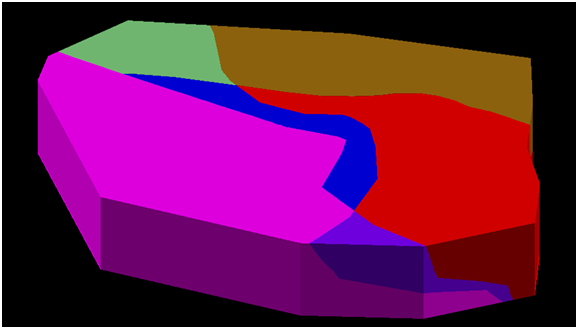
You will need to enter the fault block names in the grid provided. We recommend that the names share a common "base name" with an identifying numeral, for example flt1, flt2, flt3. The solids must be:
- valid closed solid triangulations
- mutually exclusive.
- cover the area of modelling data.
- contain at least some data on any reference horizons specified.
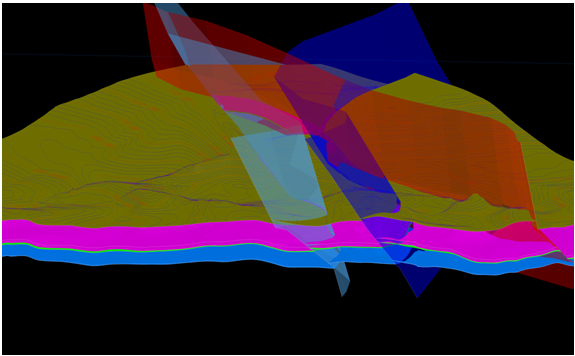
The output will be a series of faulted surface triangulations named <proj><horizon>.srt and <proj><horizon>.sft (representing the roof and floor respectively). These triangulations are also gridded to provide faulted output grids, however, these grids will only represent normal faults whereas the triangulations will represent normal, reverse and thrust faults.
Save unclipped triangulations to sub folder
Select this check box if you want to save the triangulated grids within a nominated directory. When outputting to another location, the .tri and .grid folder extensions can be used to display the folder and its contents within the Vulcan Explorer application.
If this check box is not selected, then the triangulated grids will be treated as temporary files and will be deleted.
In order to reserve the triangulations, you must nominate a directory in which to save the unclipped faulted triangulations. The saved triangulation file can then be accessed through the Create Stratigraphic Solid option (under Block > Construction).
Colour triangulations by scheme
Select this check box if you want to colour the triangulations by seam name. The drop-down list contains all Block and Strata colour schemes found within your Vulcan colour legends file (.scd). Refer to the Legend Editor option (under Analyse > Legend Edit) for more information on colour schemes.
Save seam/fault intersection strings
Select this check box if you want to save the intersection strings between the seam and the fault block. You will need to specify a design database and the name template for the layers that will be used to store the information. The " %F " format string is used to represent the fault name while the " %S " format string represents the horizon name.
Note: If desurvey information is available, it is used by default when generating grid surfaces using this tool.
