Regularise model
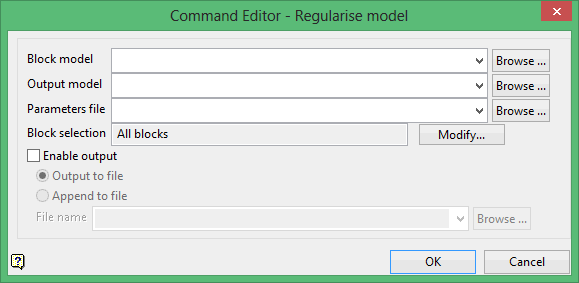
Use the Regularise model command to reblock a subblocked model into a regularised block model. Each variable in the resulting block model will be calculated according to the rules contained in a nominated reblocking parameter file. (created through the option).
Block model
Select the block model that you want to reblock.
The drop-down list contains all block models found within the current working directory. Click Browse to select a file from another location.
Output model
Enter the name of the resulting regularised block model. Selecting an existing file will prompt you to confirm that you want to overwrite the file's original contents.
The drop-down list contains all block models found within the current working directory. Click Browse to select a file from another location.
To create a new file, enter the file name and file extension.
Parameters file
Select the parameter file (.bdf) that contains the calculation rules.
The drop-down list contains all .bdf files found within your current working directory. Click Browse to select a file from another location.
Block selection
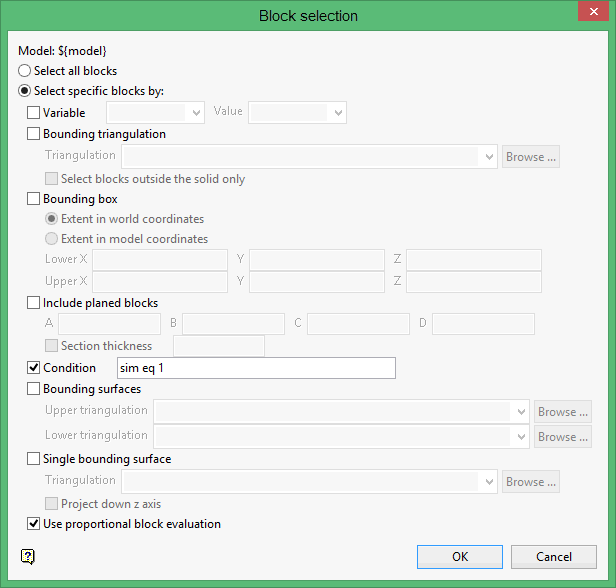
Select the Modify option to configure the selection criteria that will be used to select the necessary blocks. Once selected, the Block Selection panel will be displayed.